Interactive Demo
SetXRM Product Tour
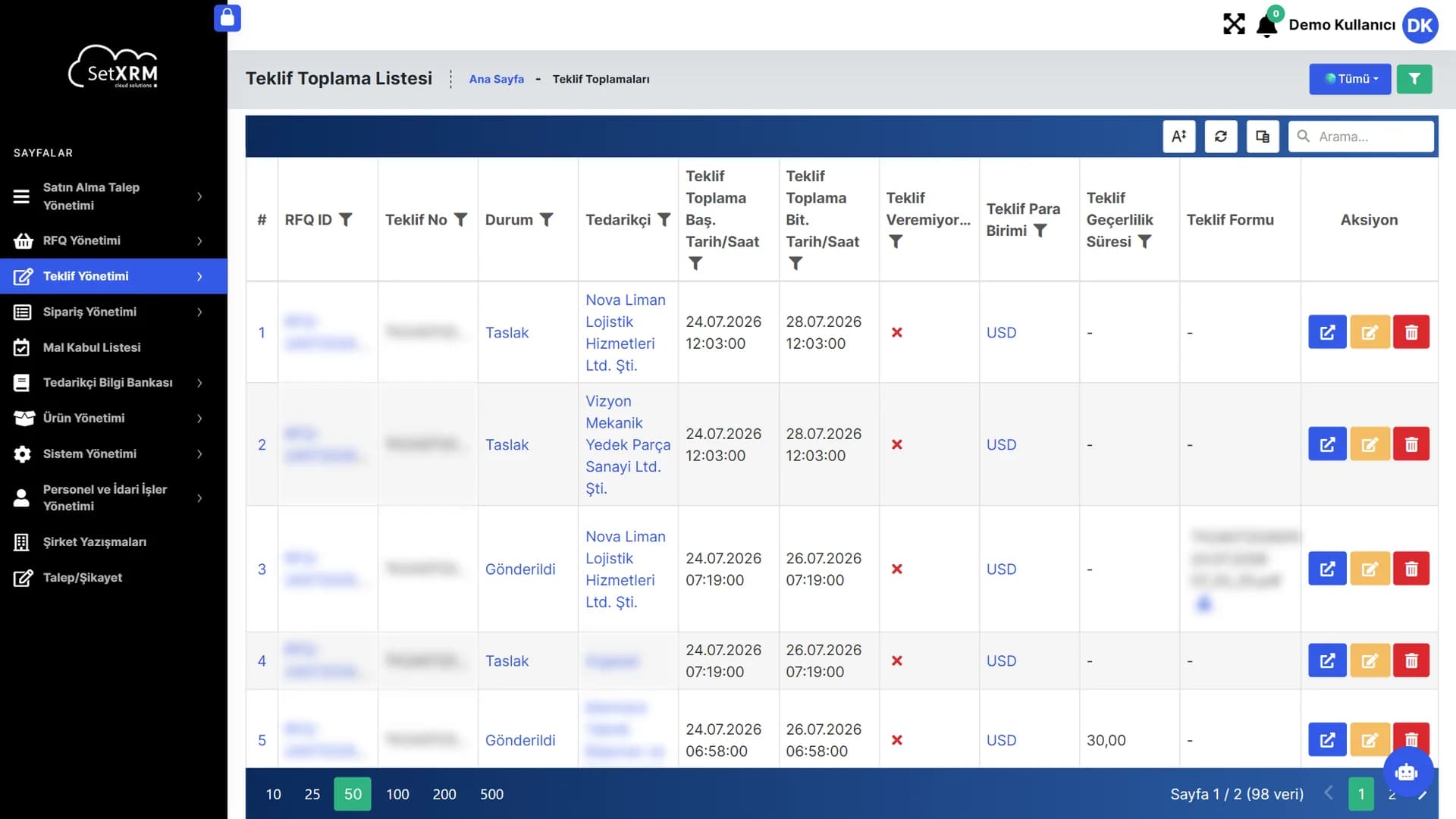
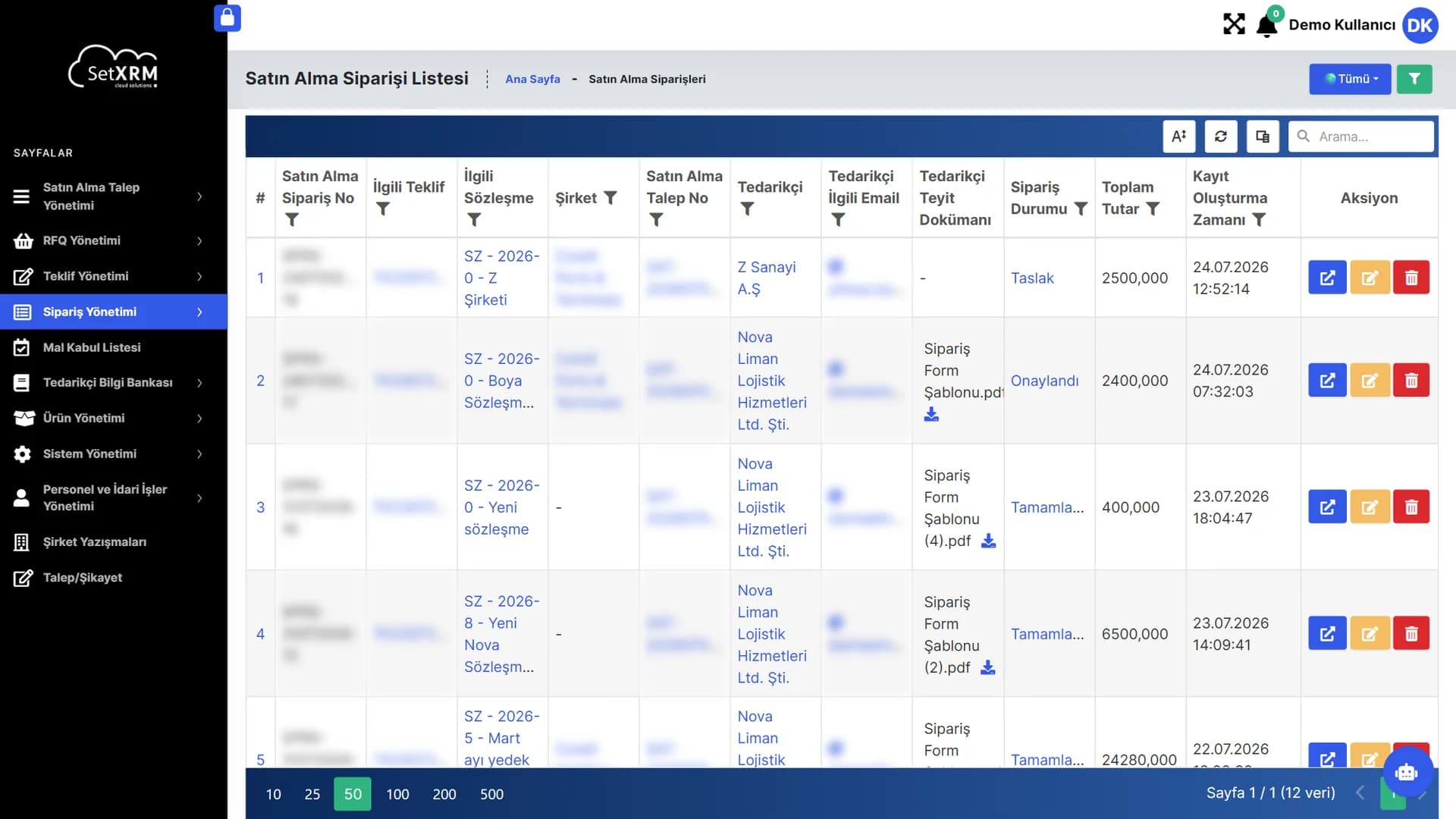
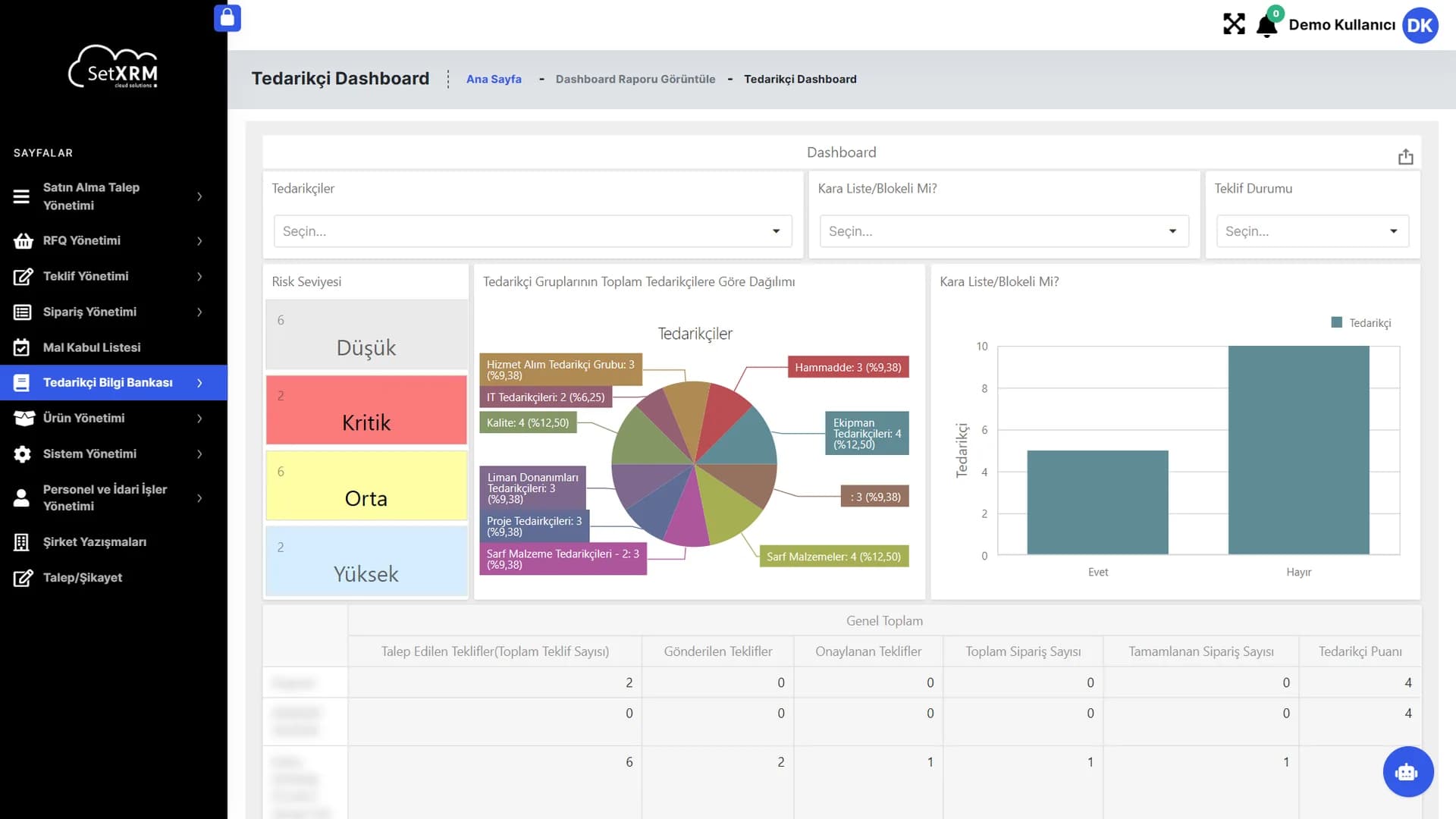
Browse real SetXRM screens without installing or signing up. Steps advance on their own; click any step to pause and use the numbered points to explore the details.
1. The application
Take a closer look at the procurement platform
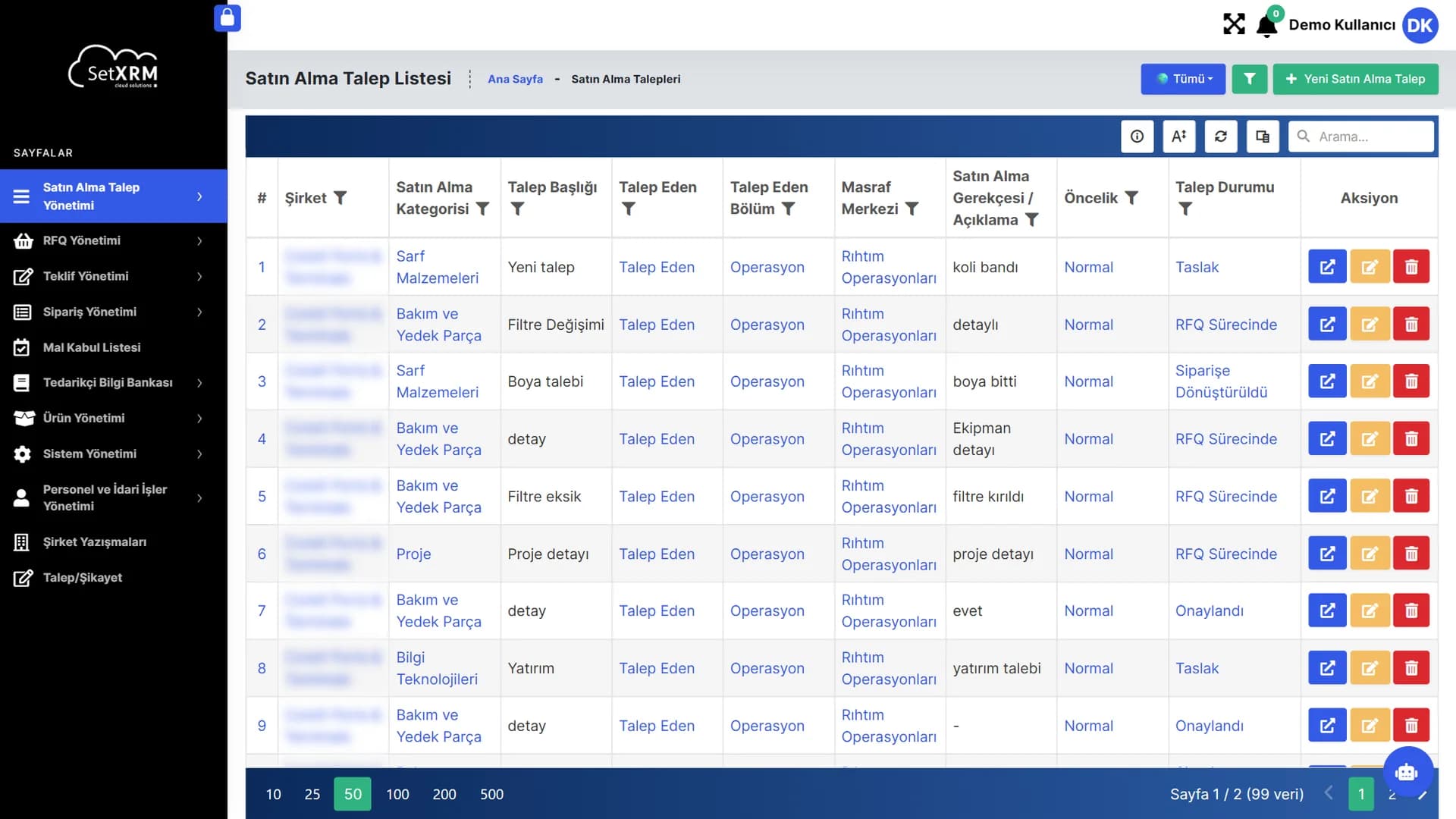
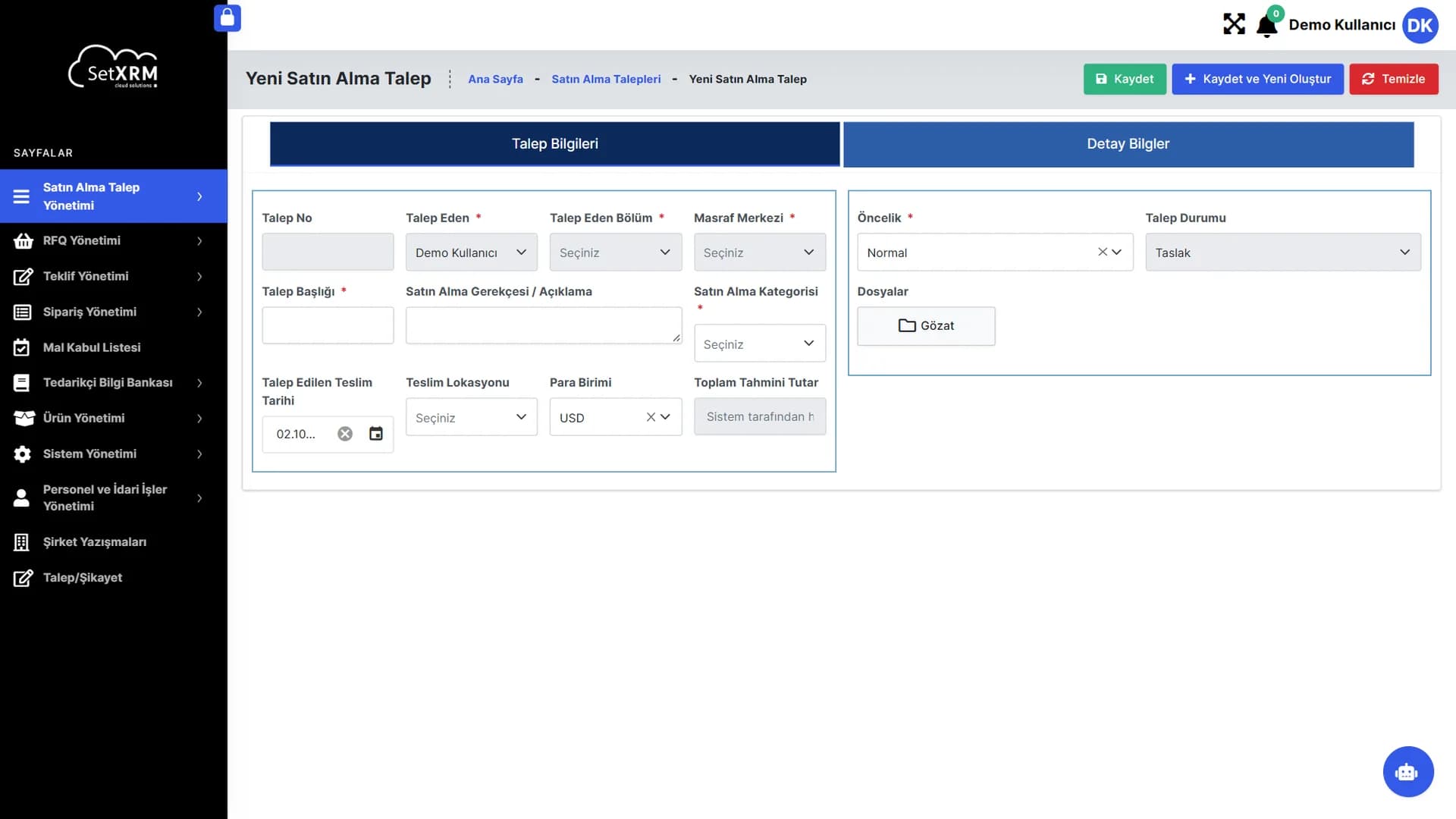
Real screens of the entire process, from request to order.
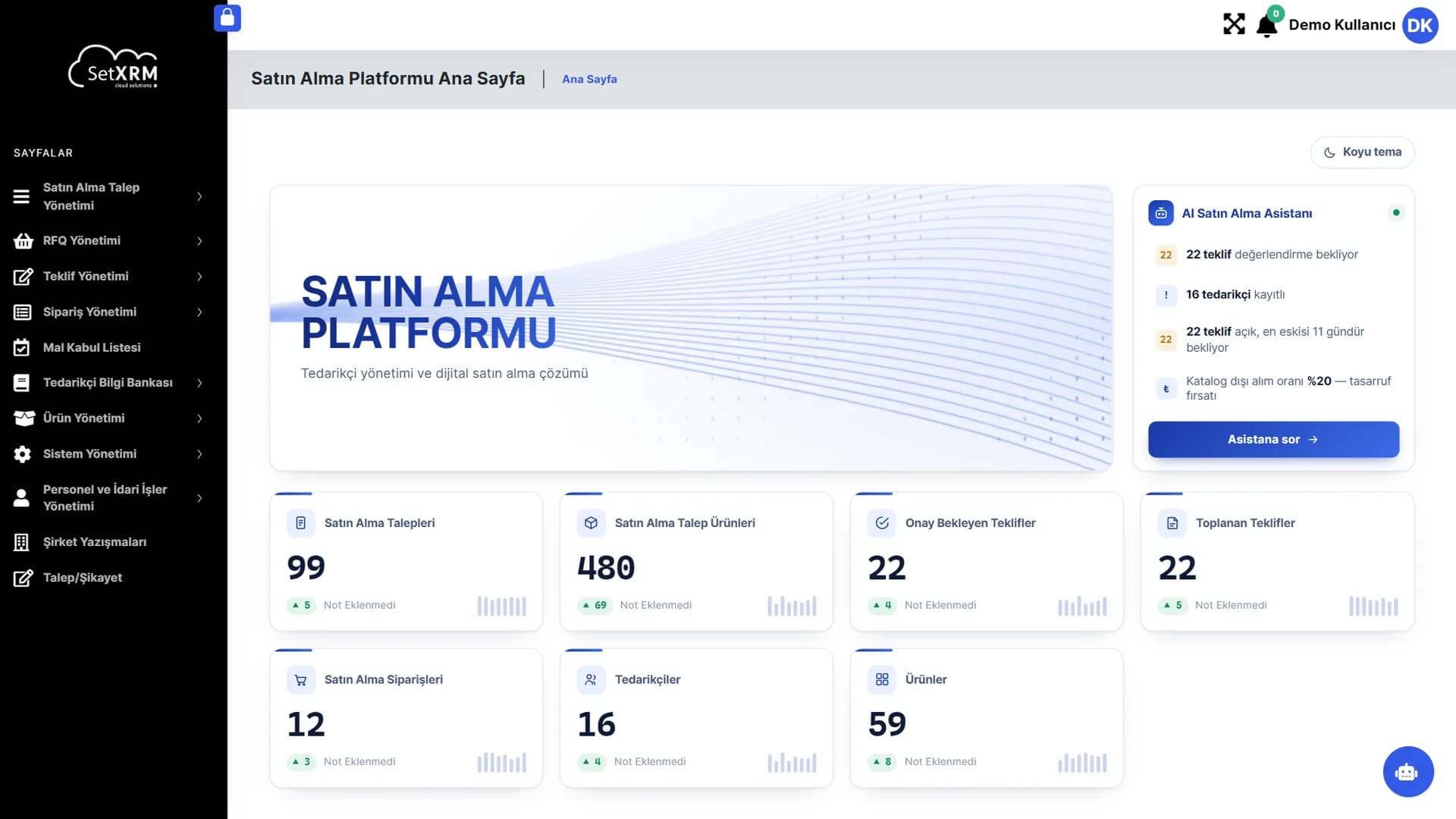
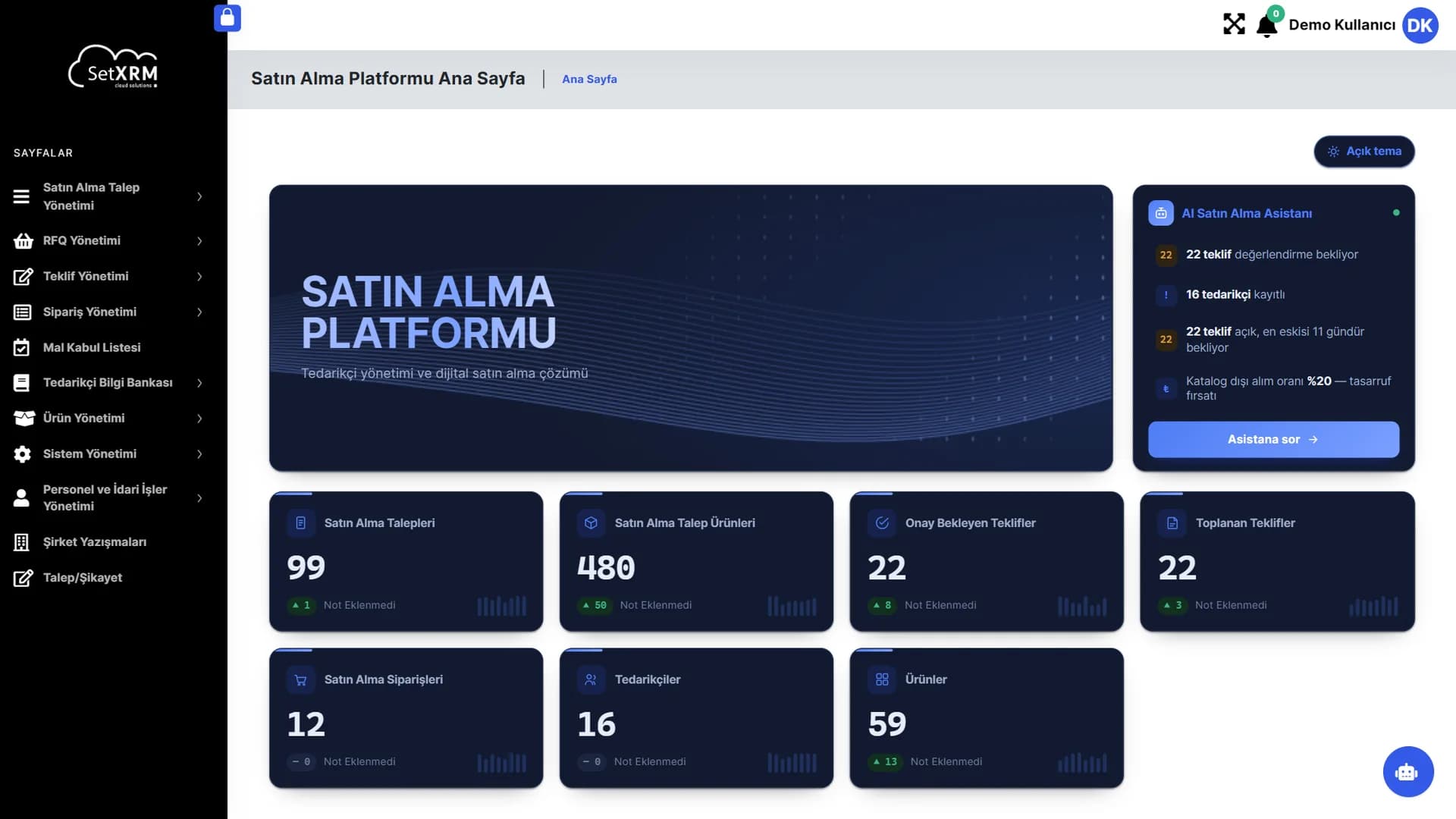
AI Procurement Assistant
Automatically calculates quotes awaiting evaluation, waiting times and the off-catalogue purchase rate – ask it a question with one click.
Live indicators
Every card links to its list; the arrows show the daily increase or decrease.
Modular menu
Requests, RFQs, quotes, orders, goods receipt, suppliers and products in one menu.
Click the numbered points to explore the screen
2. Admin panel (low-code)
What does building apps without code look like?
See step by step how objects, forms, business rules and reports are designed in the SetXRM admin panel.
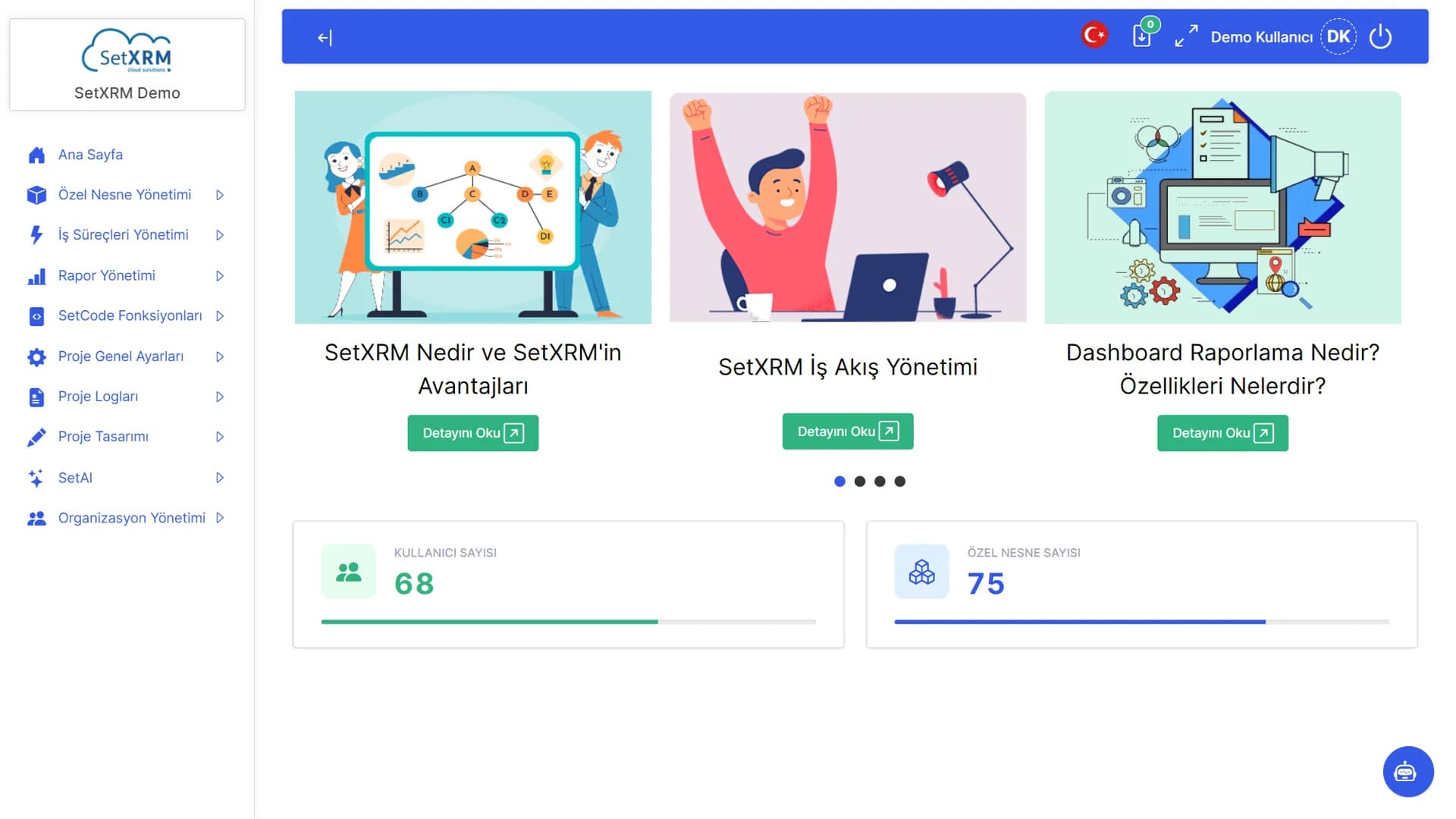
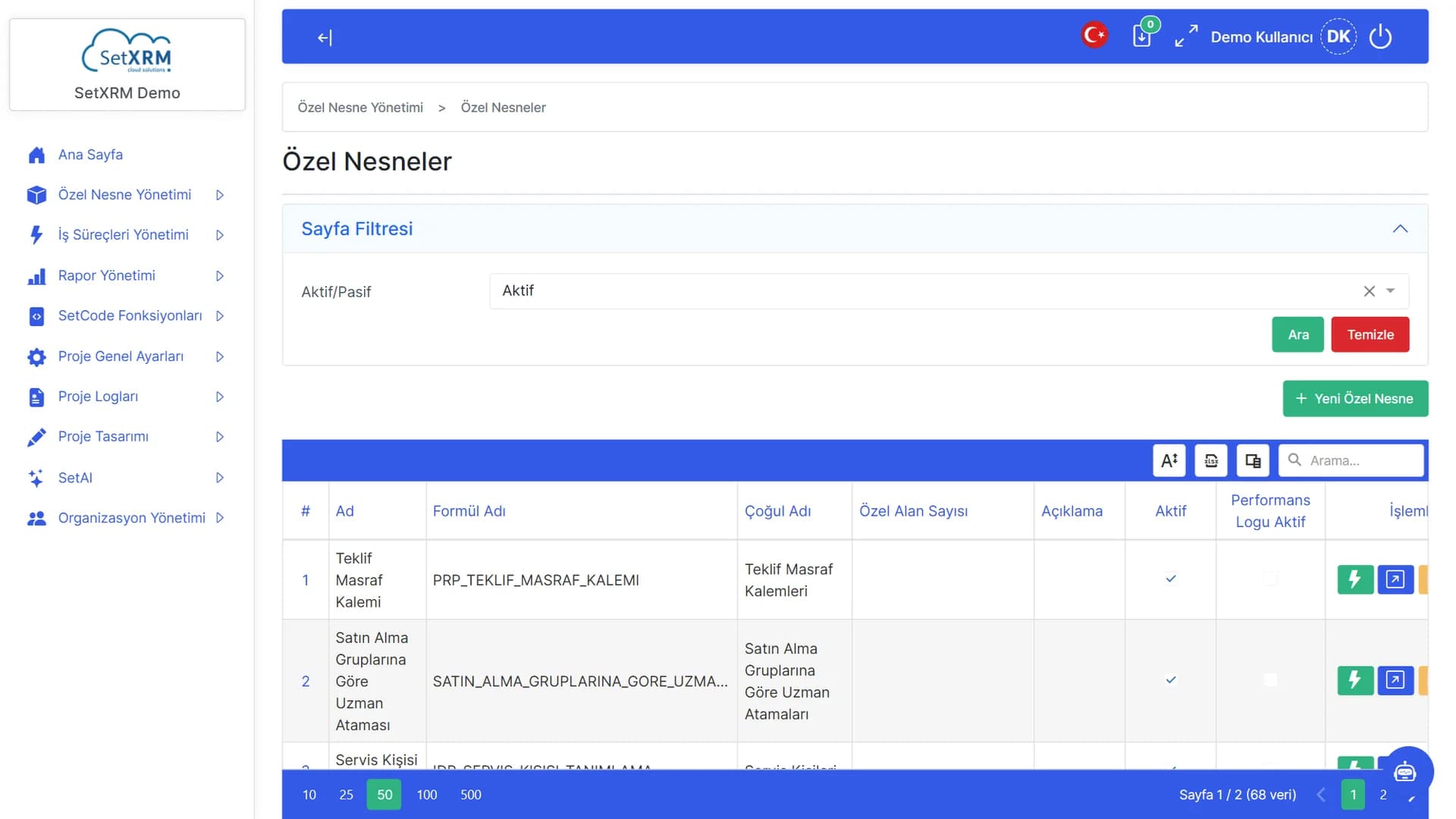
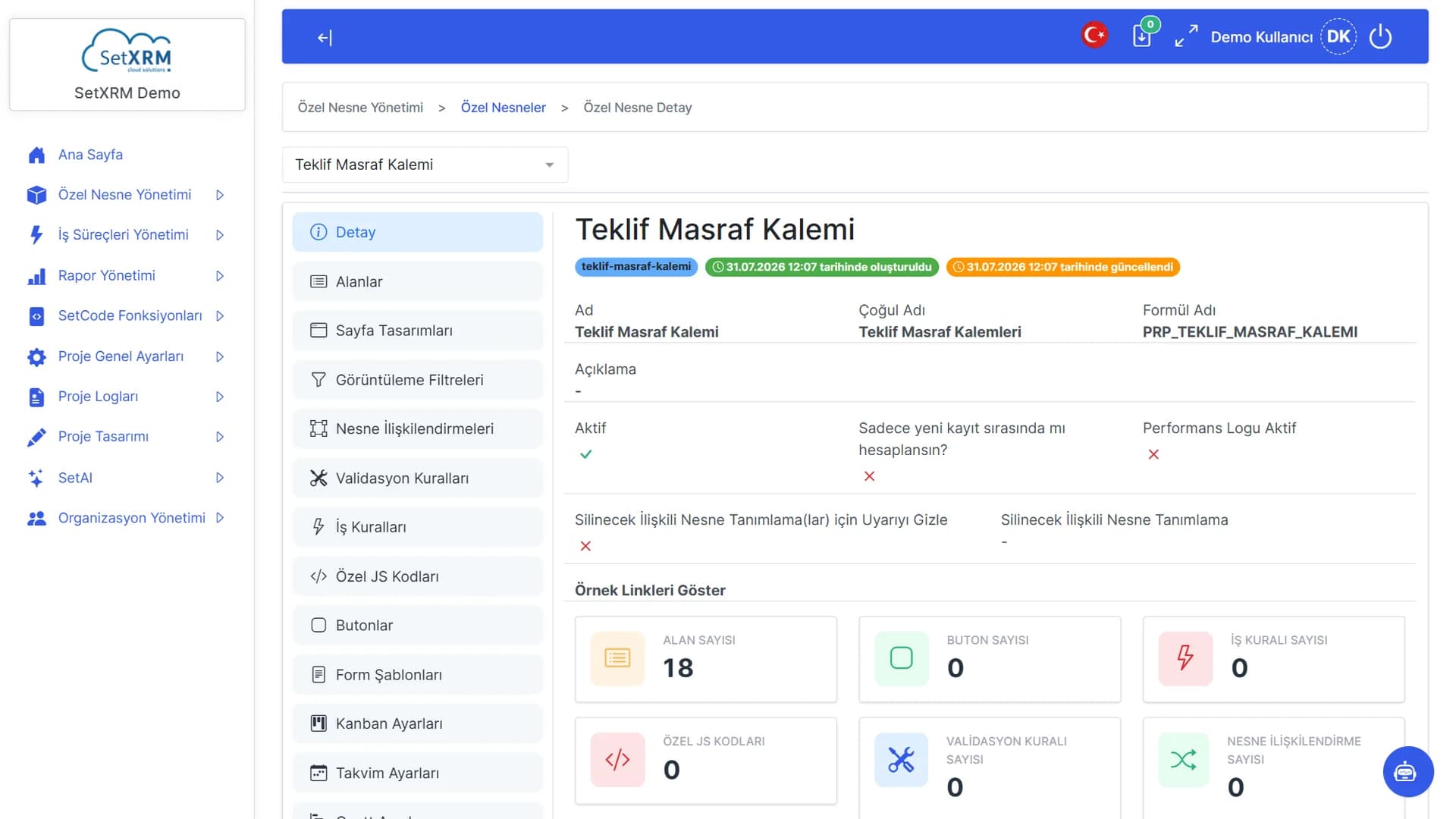
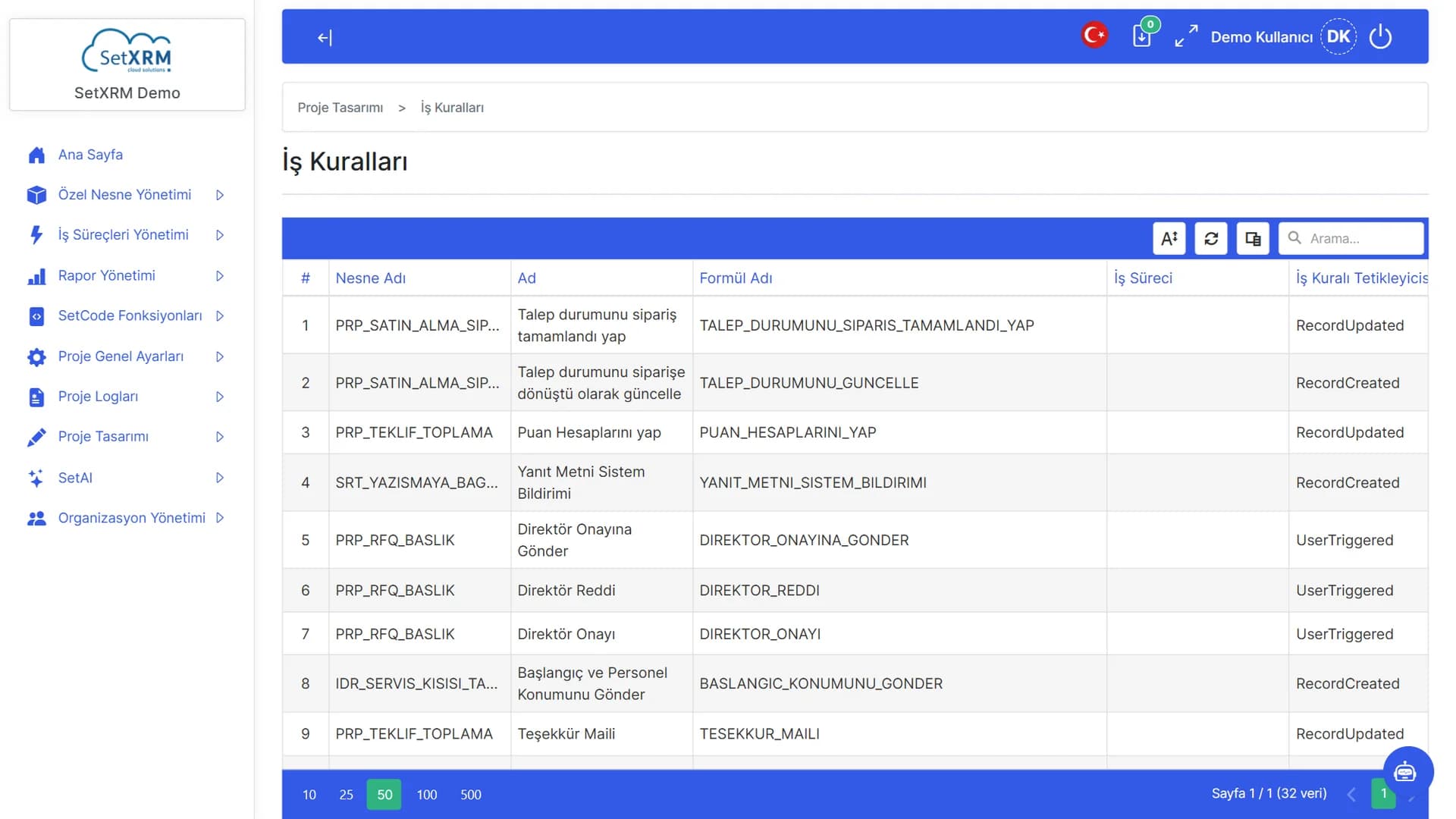
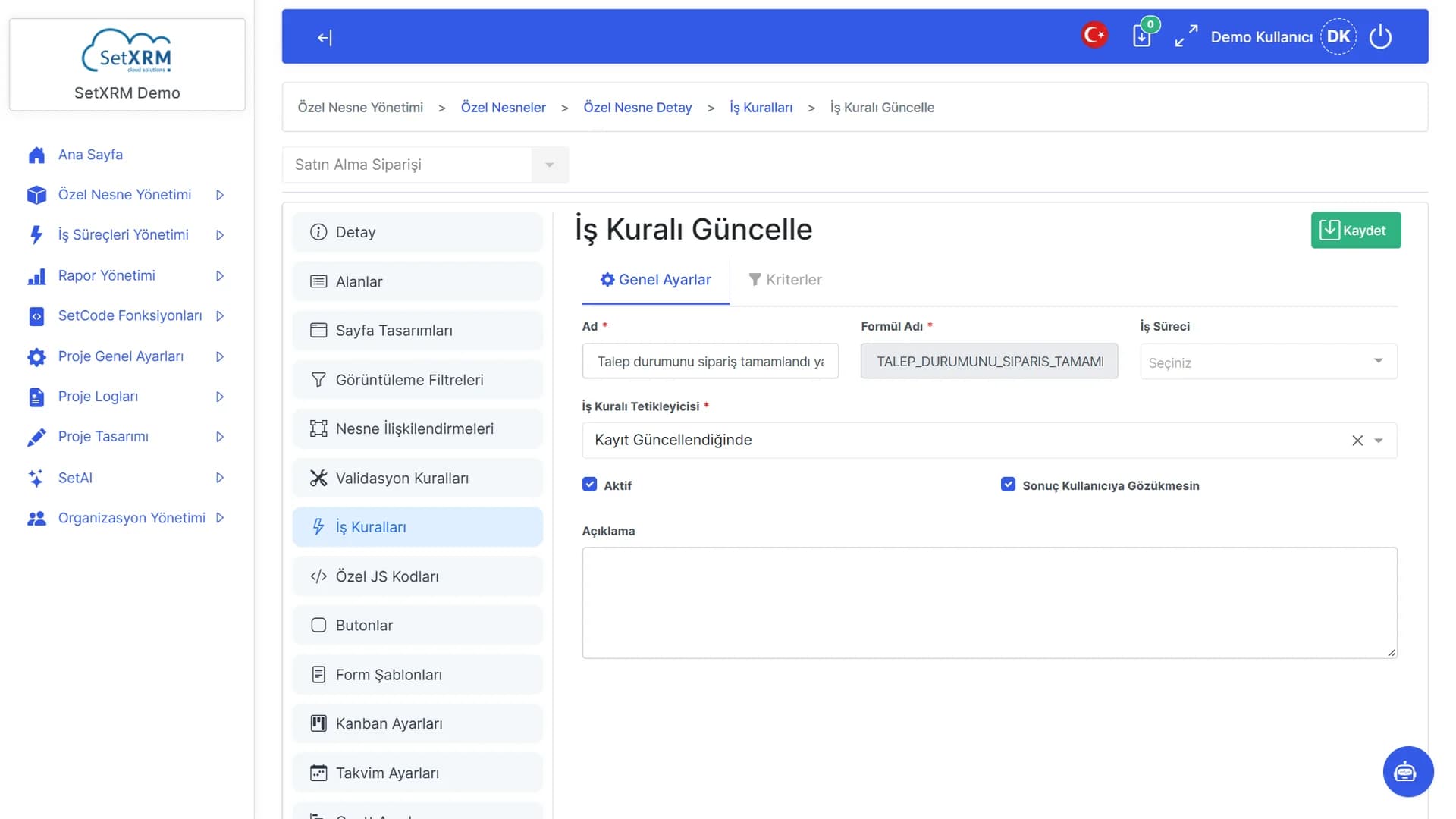
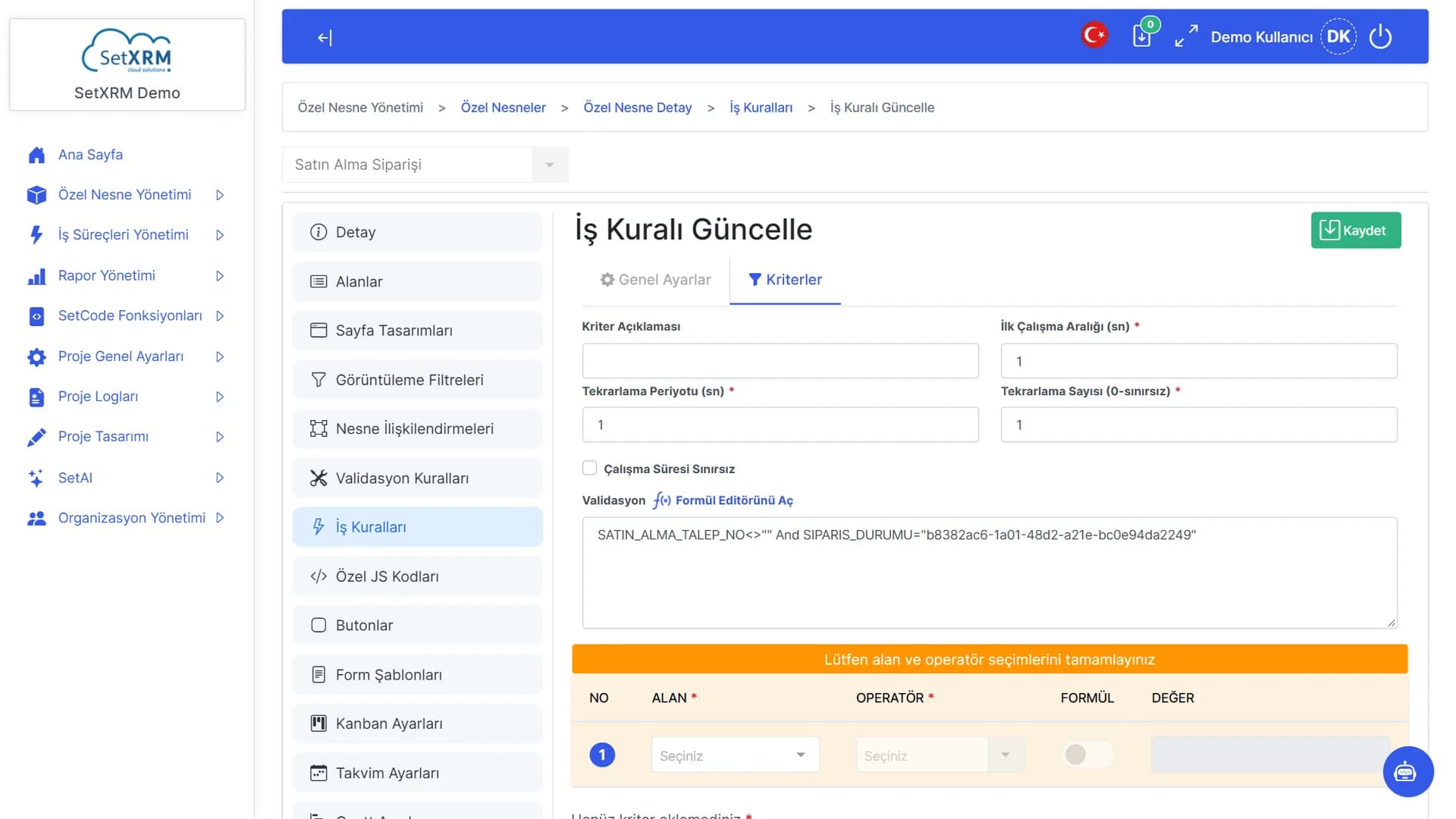
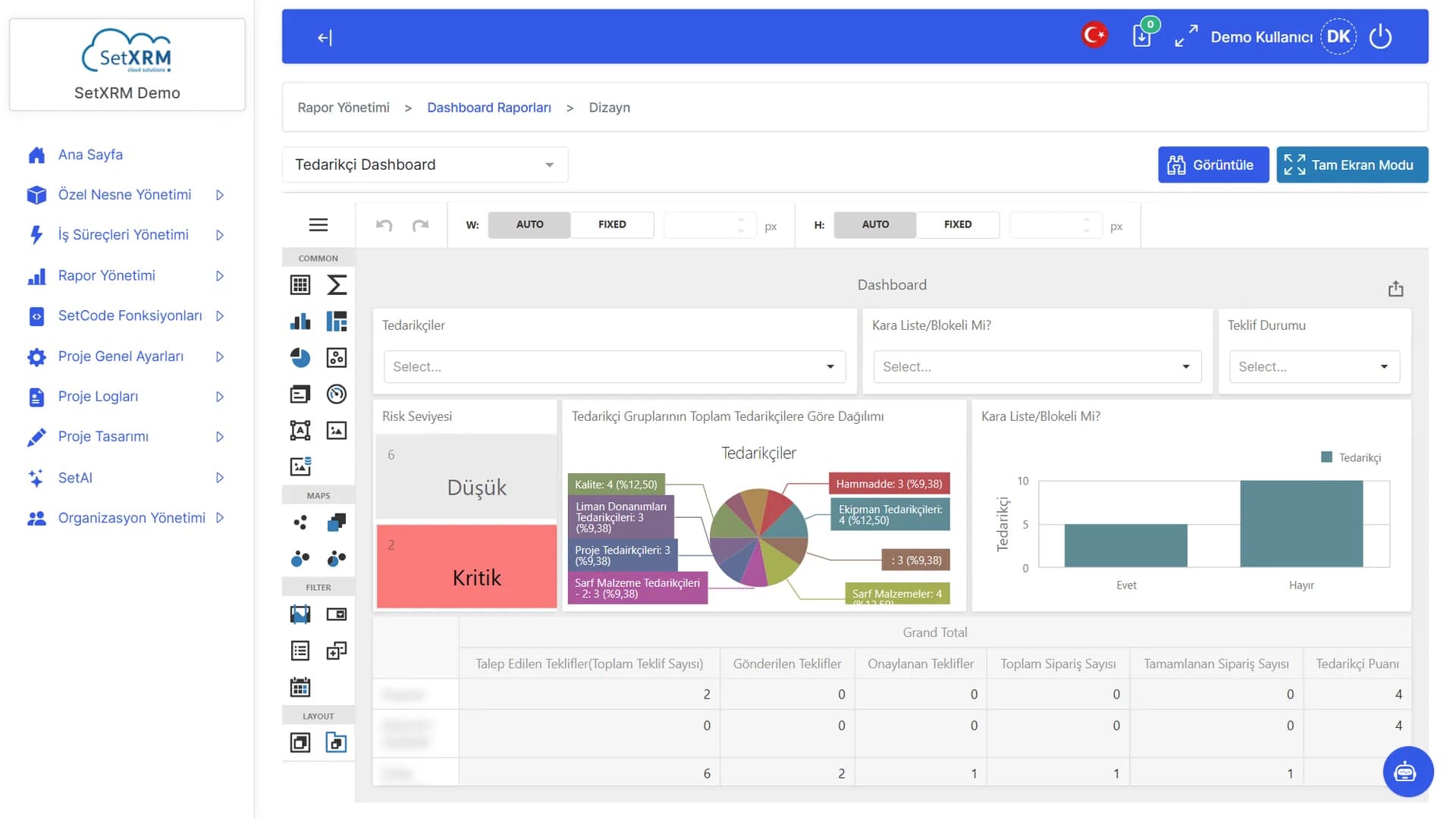
Configuration menu
Every part of the application is managed here without code.
Users
The number of users in the project at a glance.
Custom objects
How many custom objects (tables) the project defines.
Click the numbered points to explore the screen
3. SetAI – artificial intelligence
Explore SetAI on real screens
From the in-app assistant to agent design, from the knowledge base to expert profiles: every part of the AI layer.
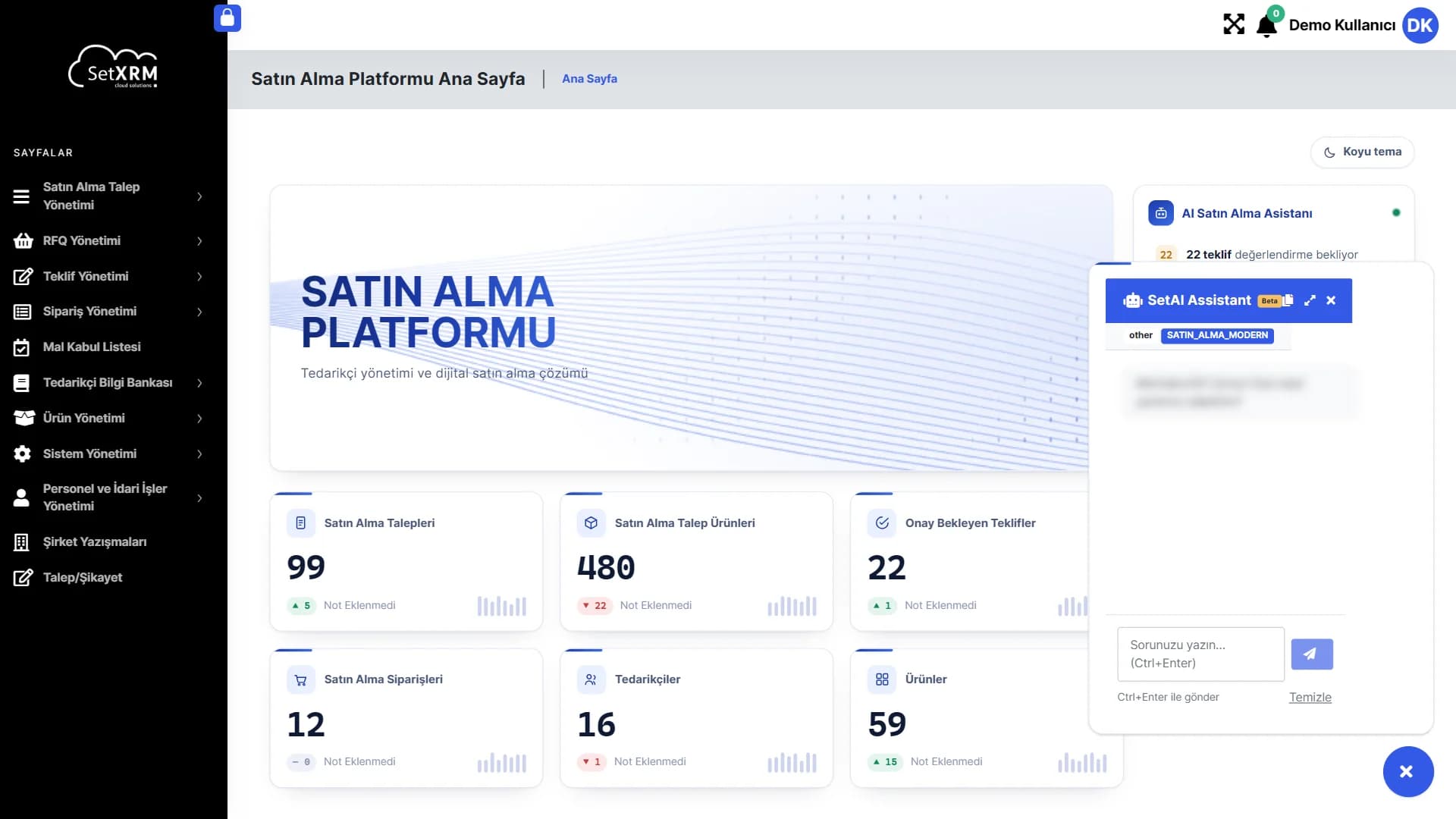
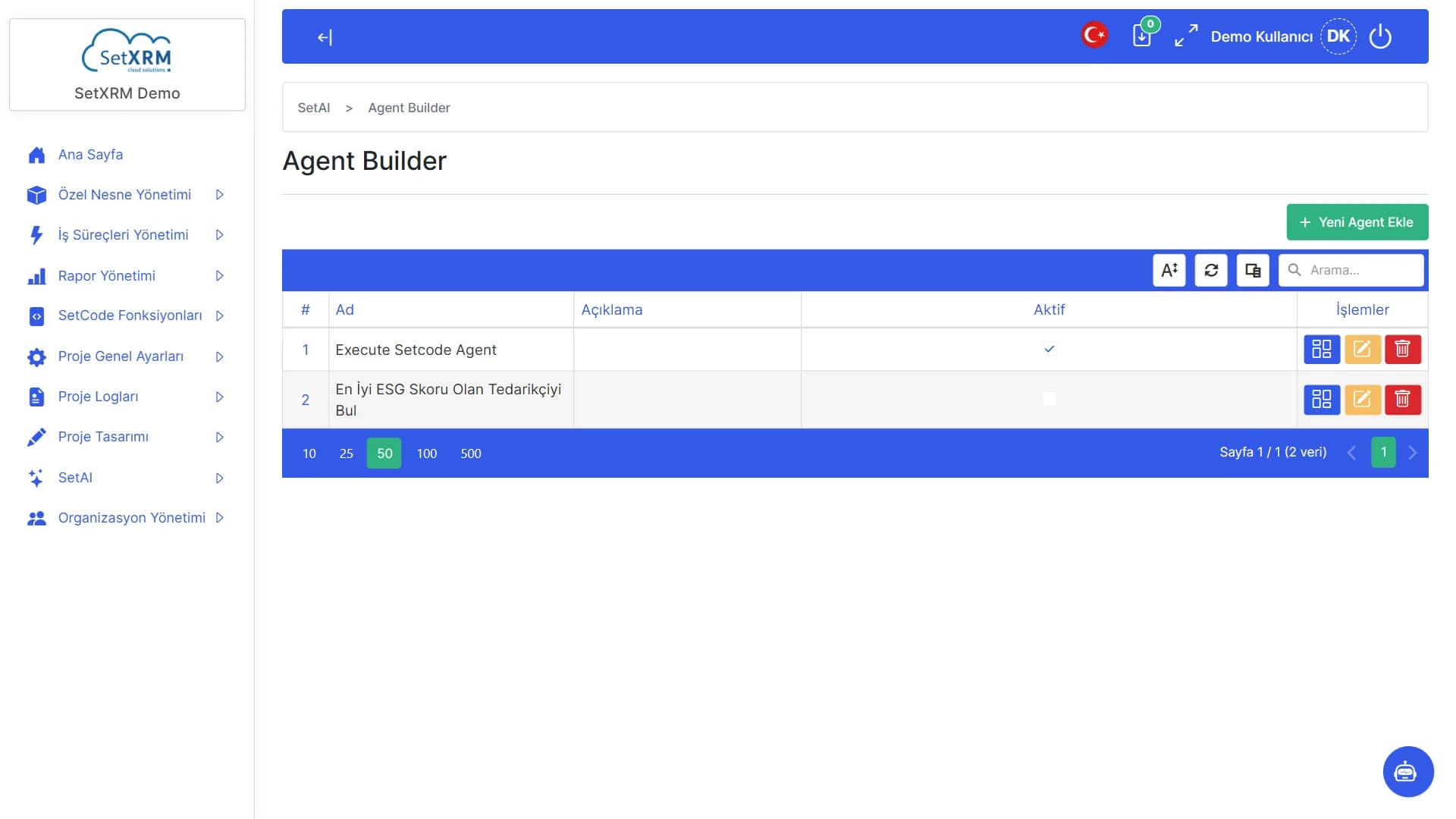
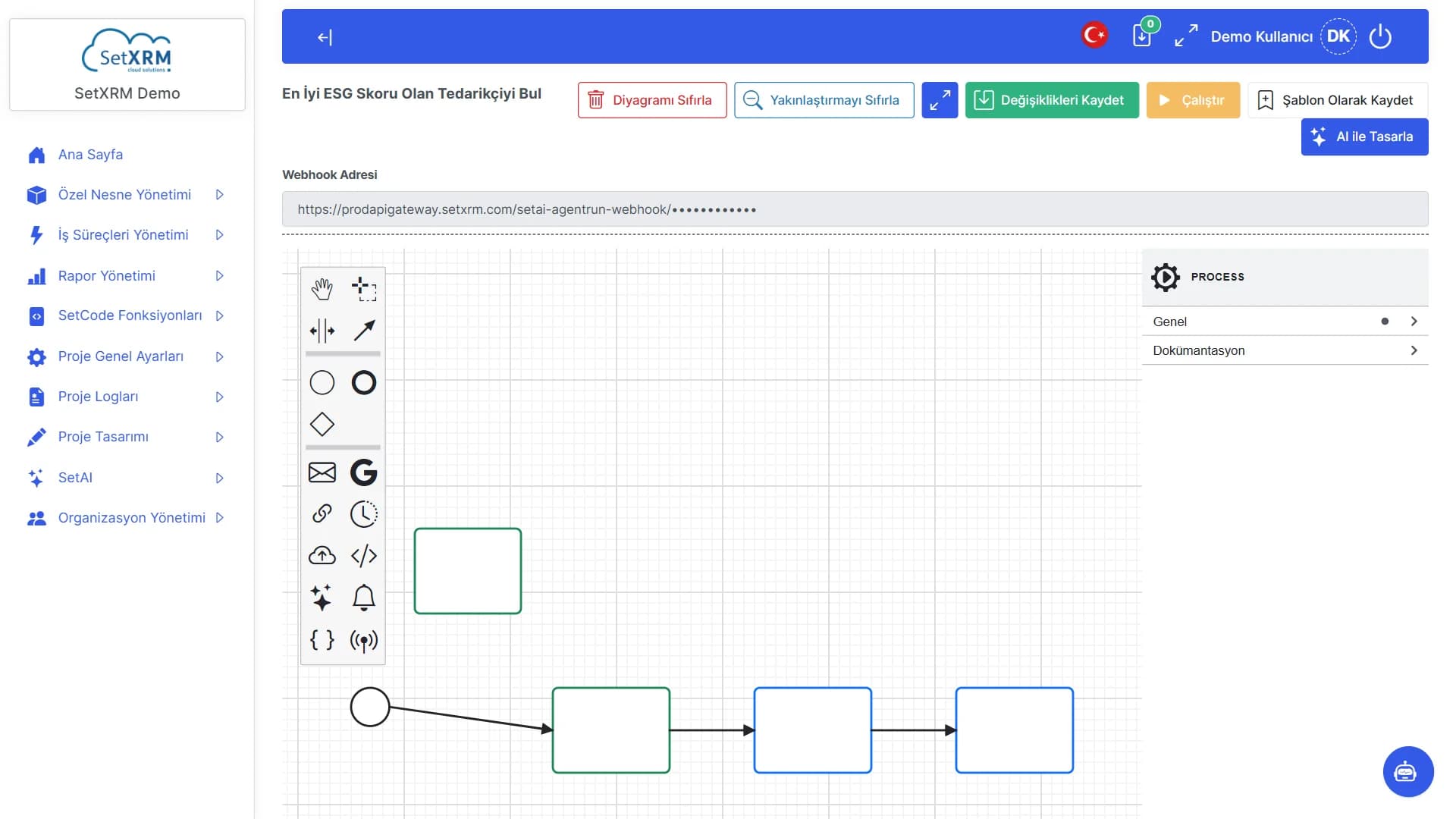
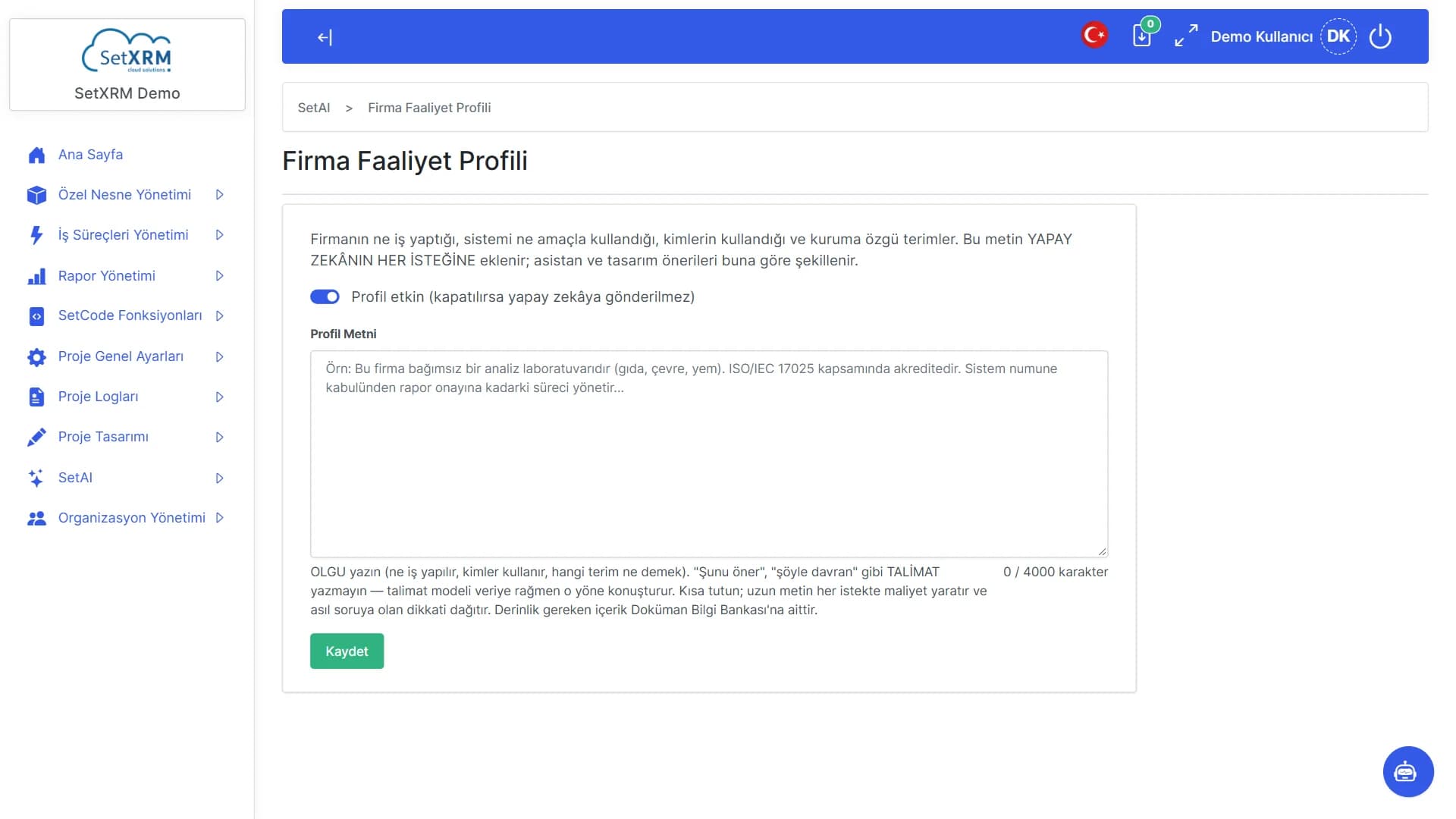
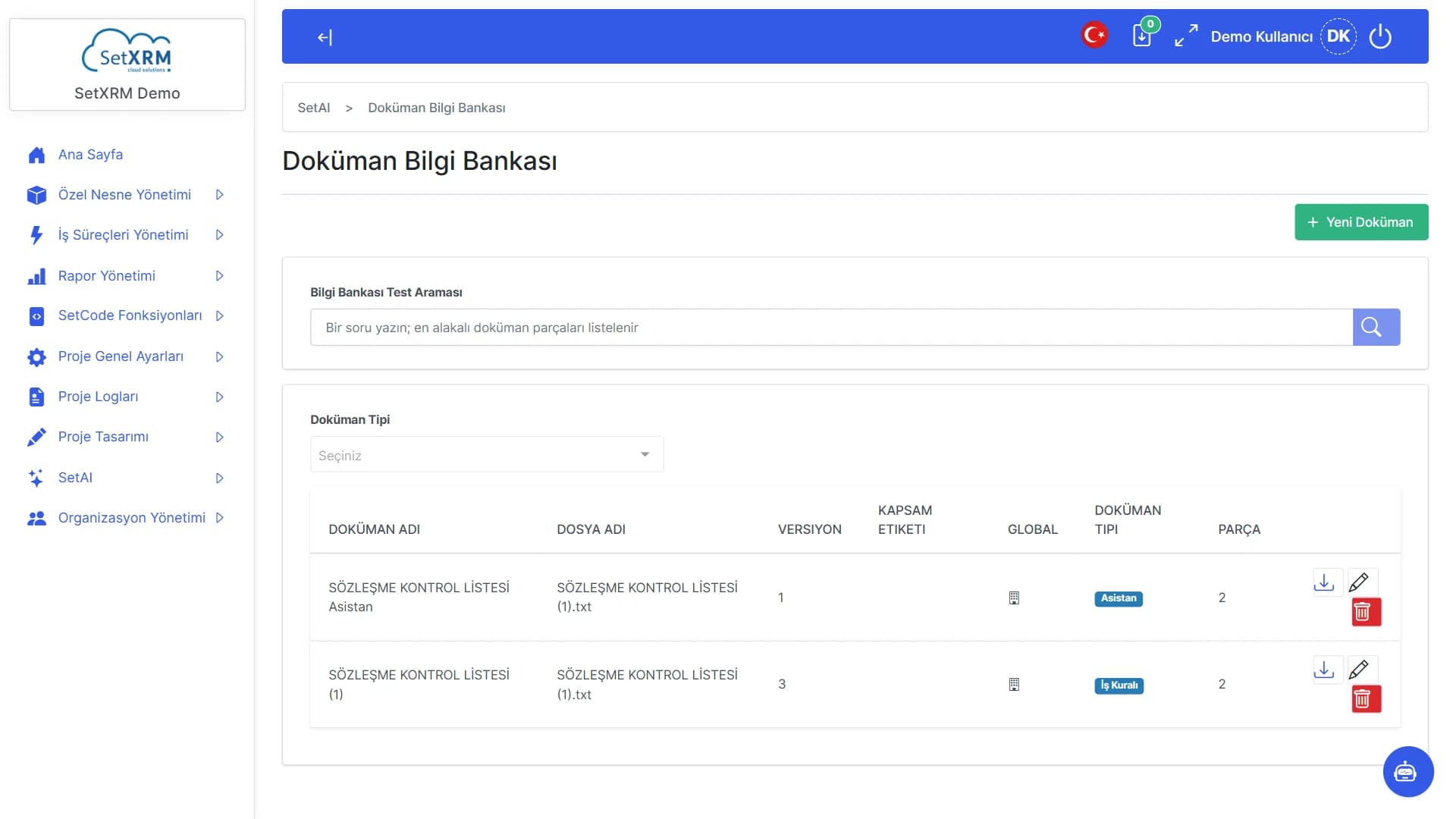
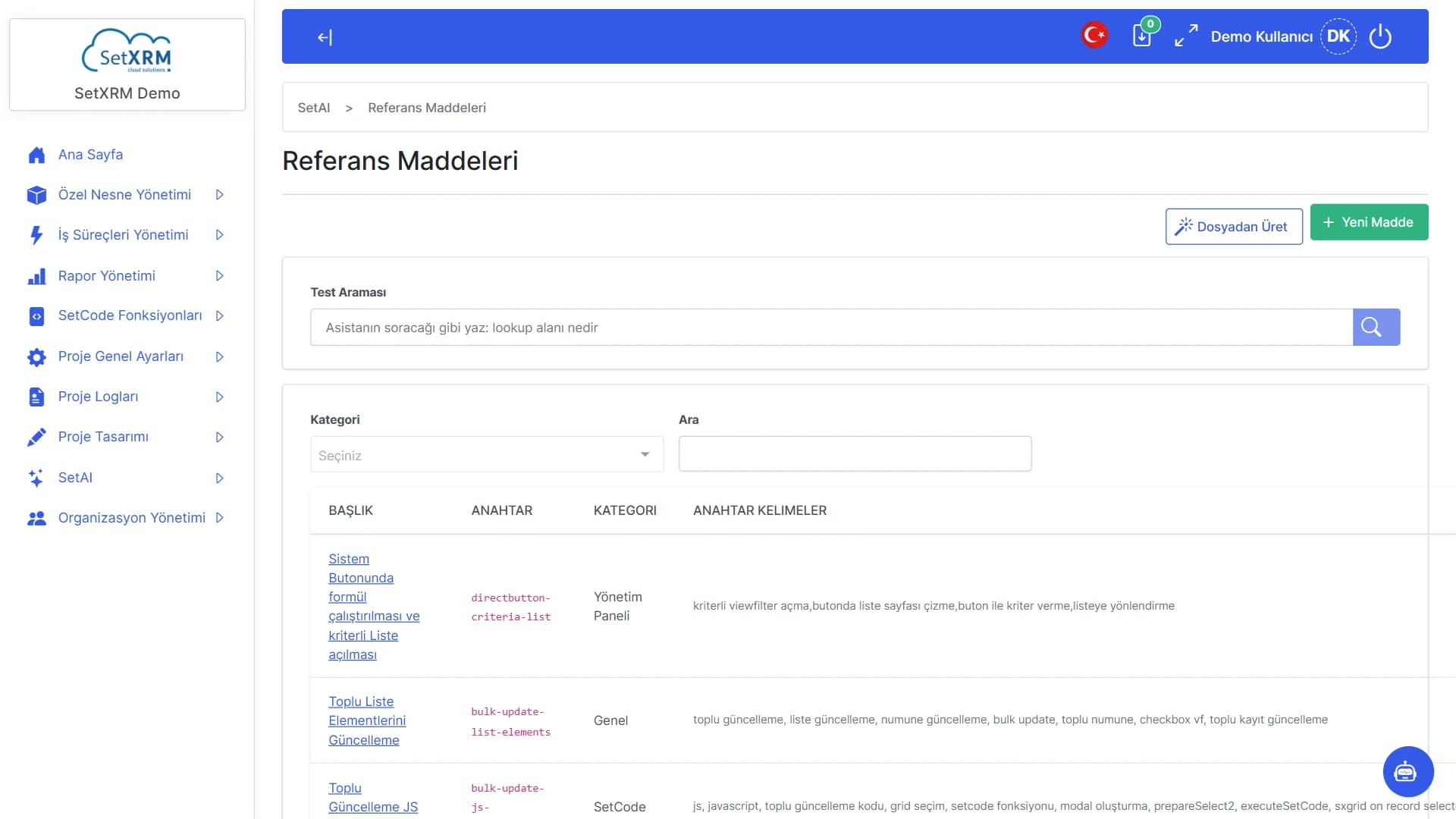
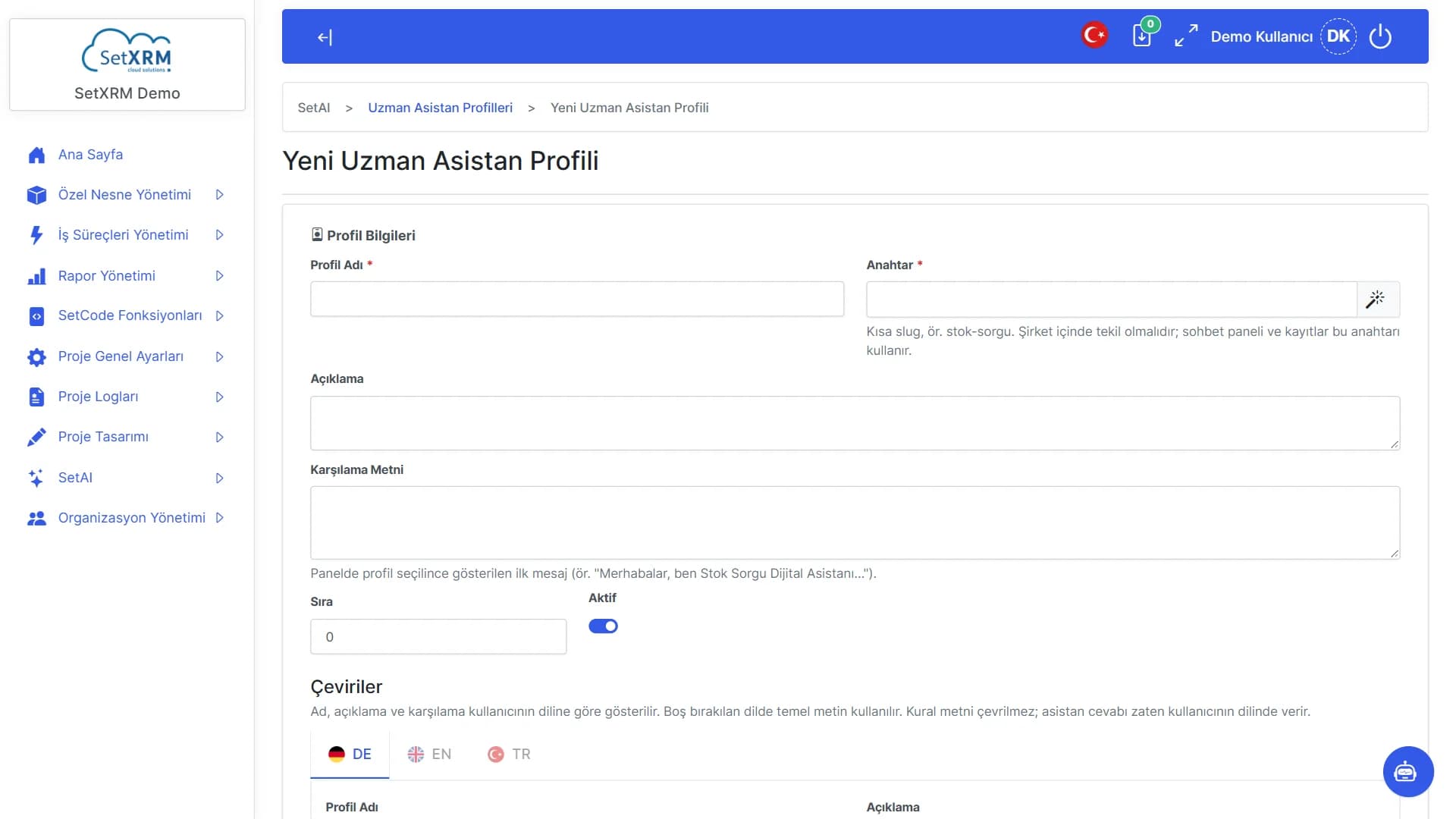
Assistant button
Bottom right on every page; opens with one click.
Page context
The assistant knows which screen you are on and answers accordingly.
Ask your question
Write in plain language; send with Ctrl+Enter.
Click the numbered points to explore the screen
4. SetCode – in-platform coding
Write code inside the platform with SetCode
From the function list to the editor and models: how SetCode works where low-code isn't enough.
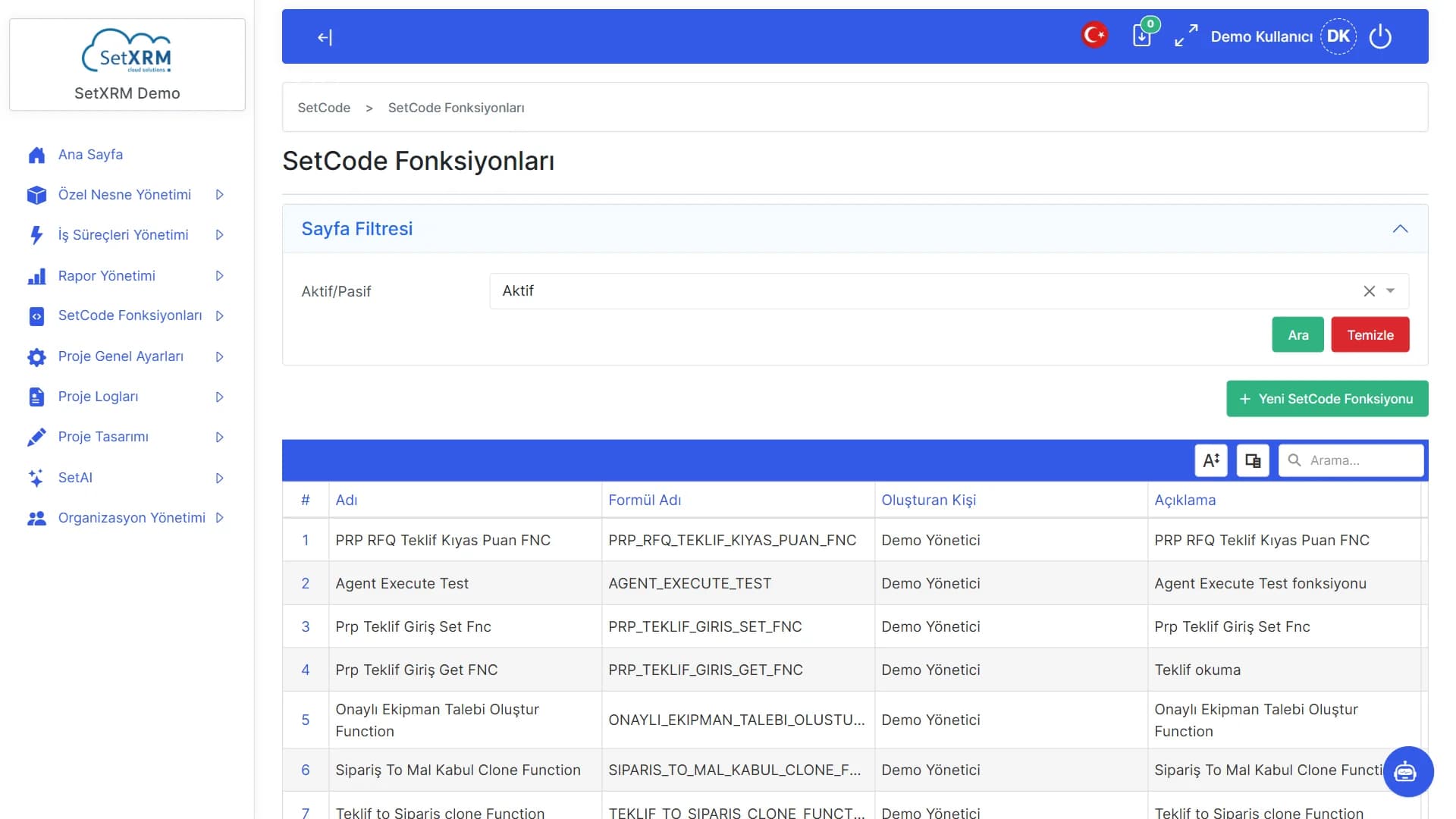
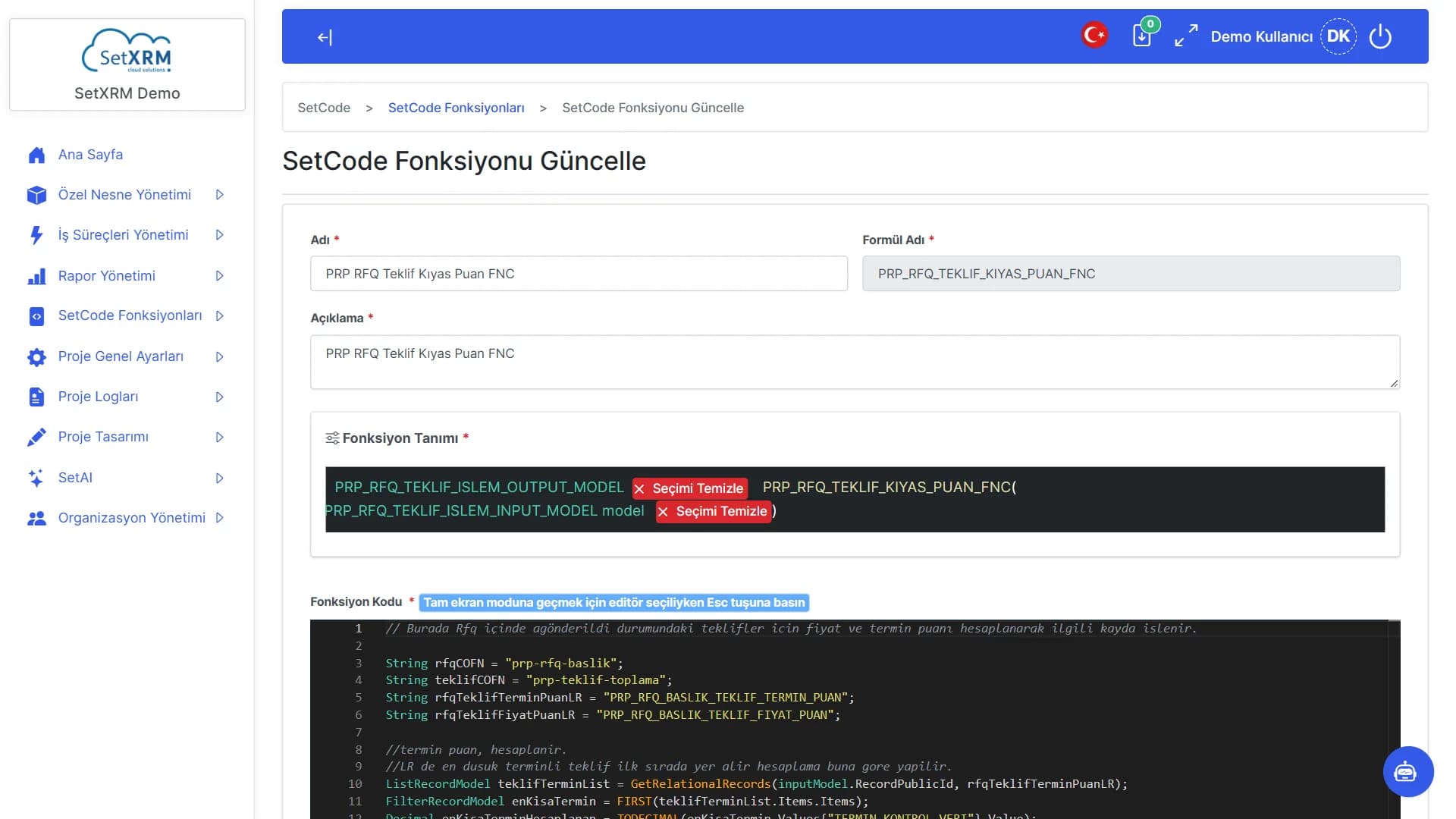
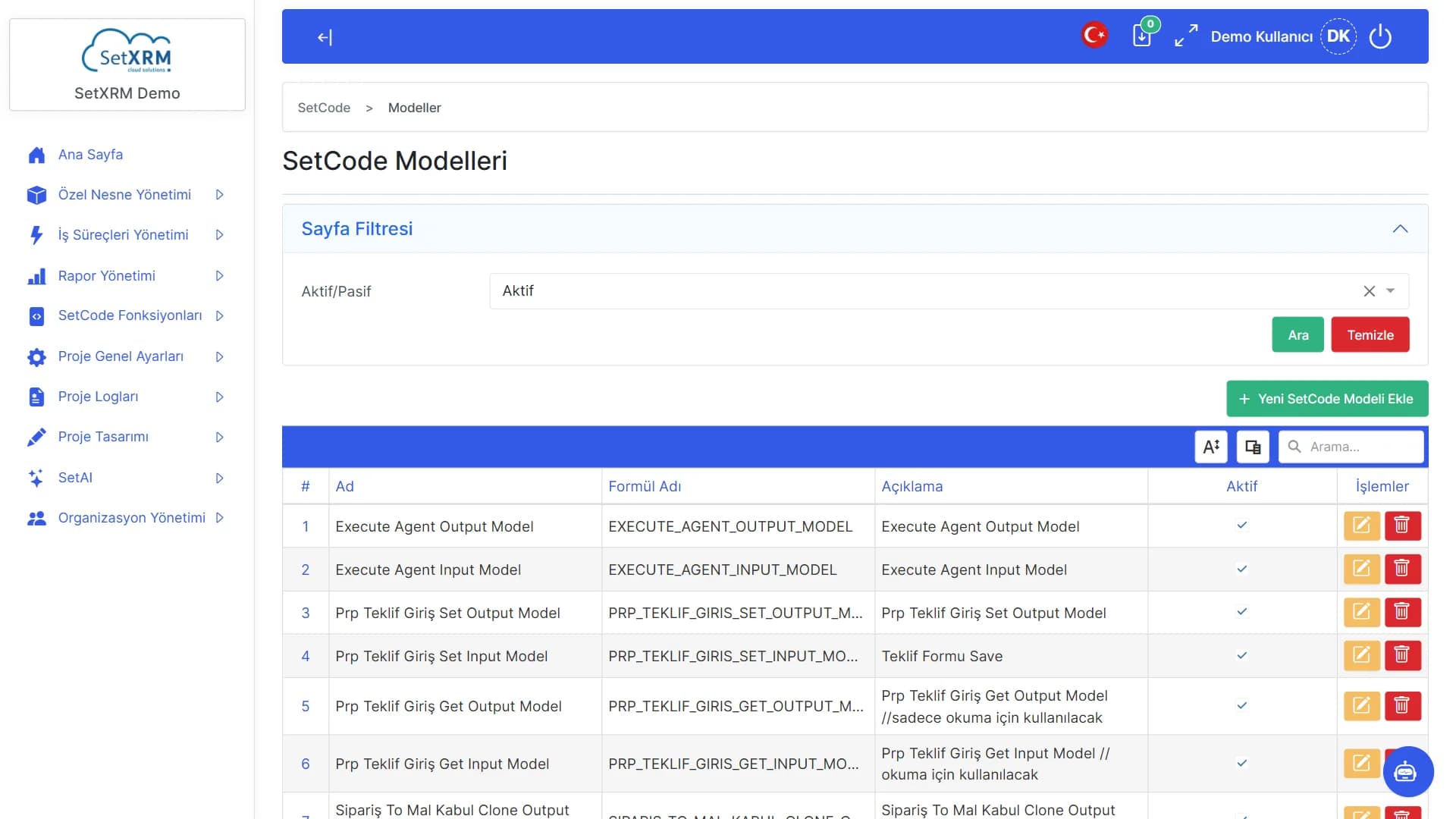
Formula name
The unique name used to call the function from rules and agents.
New function
Give it a name and description and start coding.
Filters
Filter active or inactive functions.
Click the numbered points to explore the screen
Want to see it with your own processes?
Let our experts tailor SetXRM to your company's workflows and prepare a live demo.