
SetAI components
AI inside your business processes
SetAI is not a separate chat tool – it is a platform layer that works together with your records, permissions and business rules.
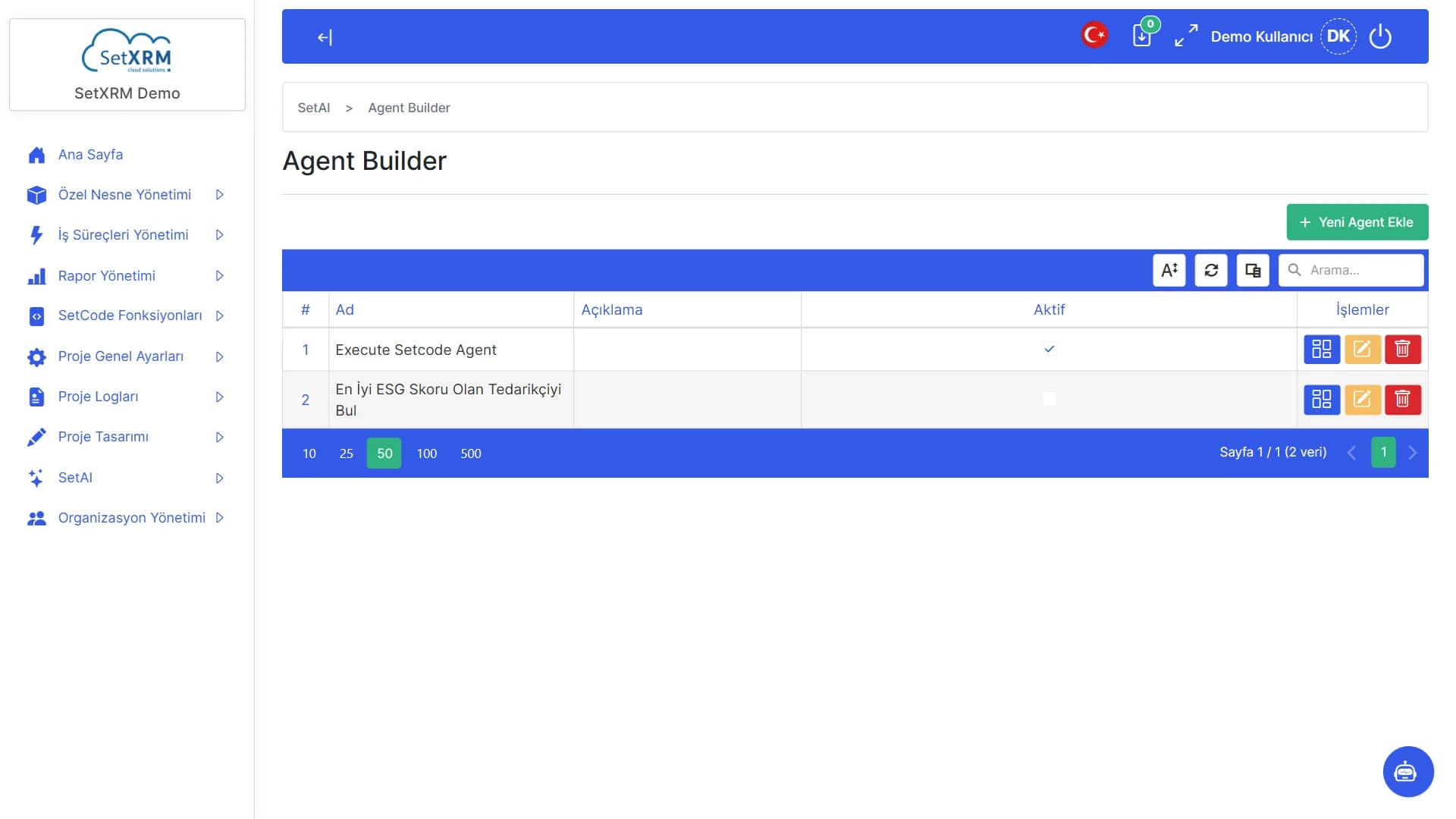
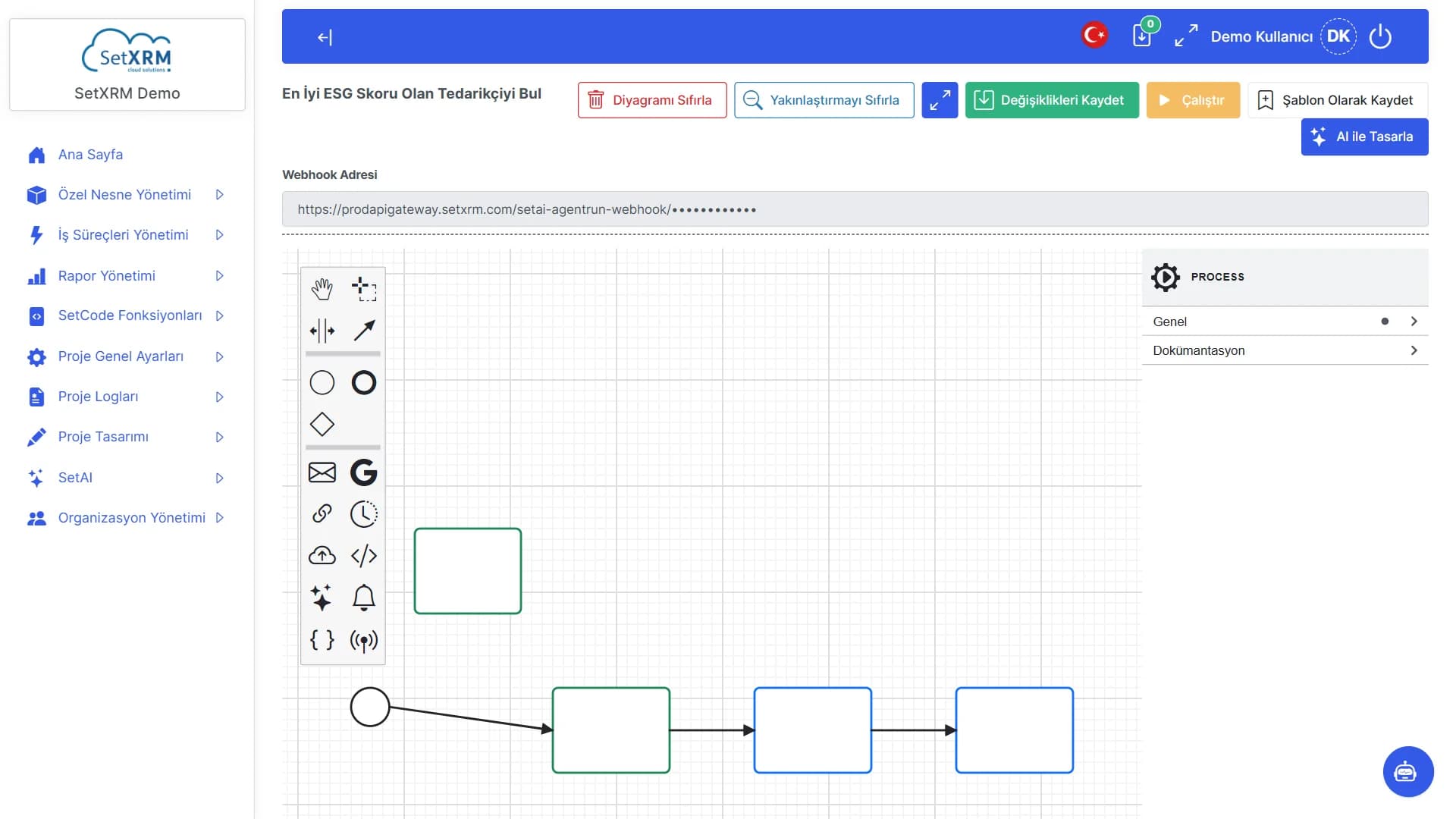
Agent Builder
Define the task and pick a trigger (webhook, email, Gmail); the agent runs with the permissions of the user you choose and can call SetCode functions.
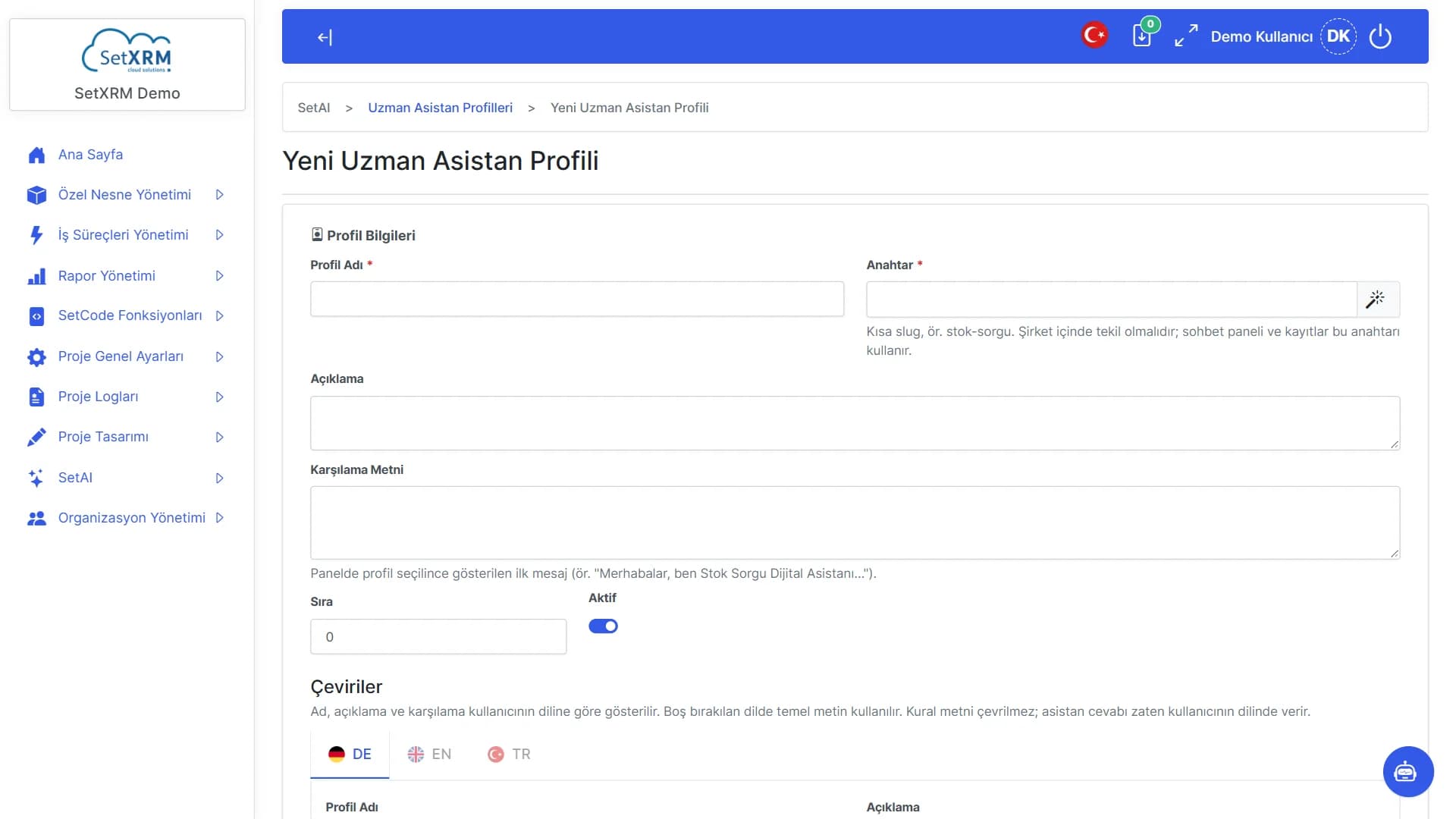
Expert assistant profiles
Create assistants with role-specific instructions for purchasing, sales, service and more.
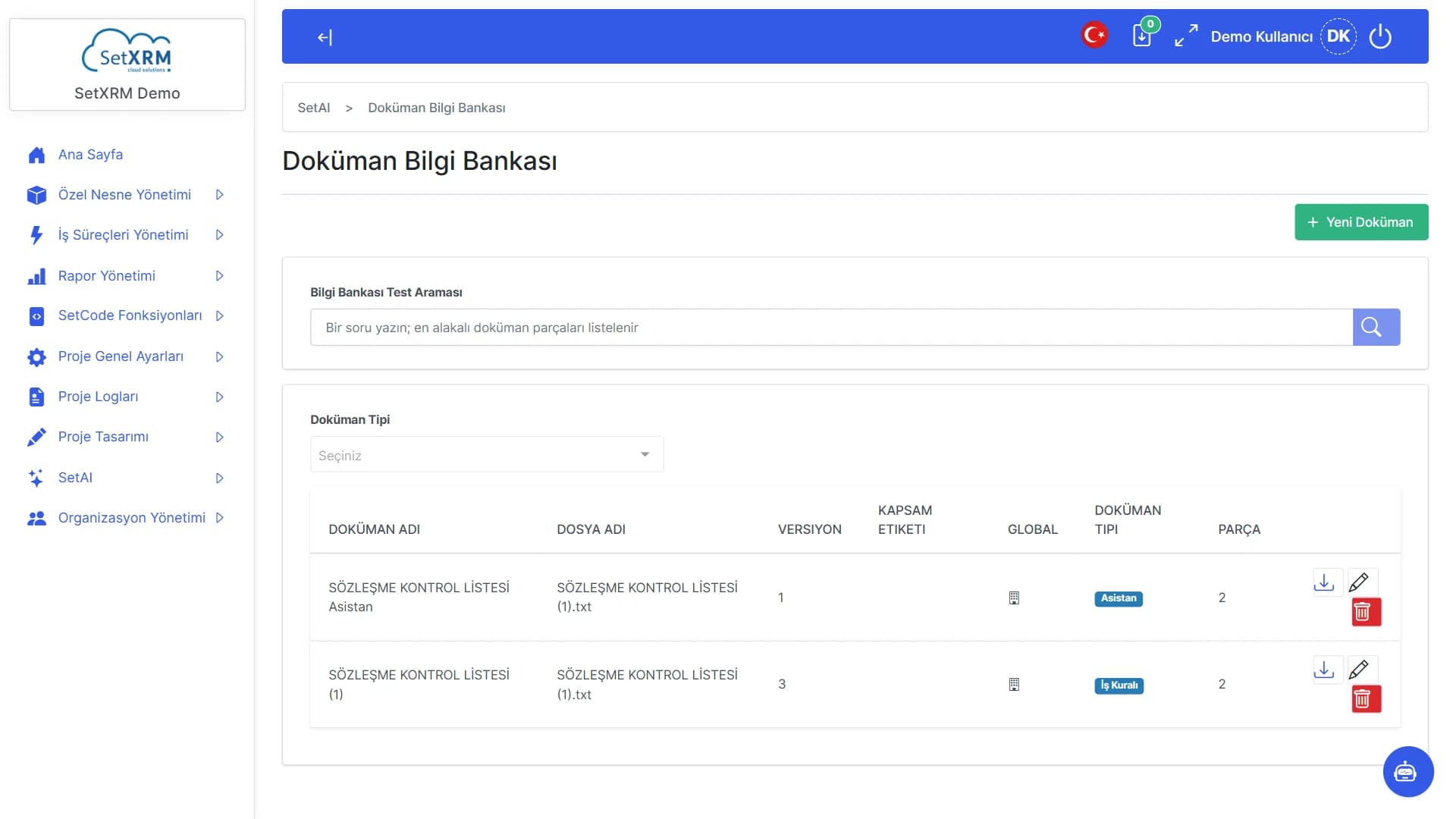
Document knowledge base
Upload specifications, procedures and manuals; assistants base their answers on these documents.
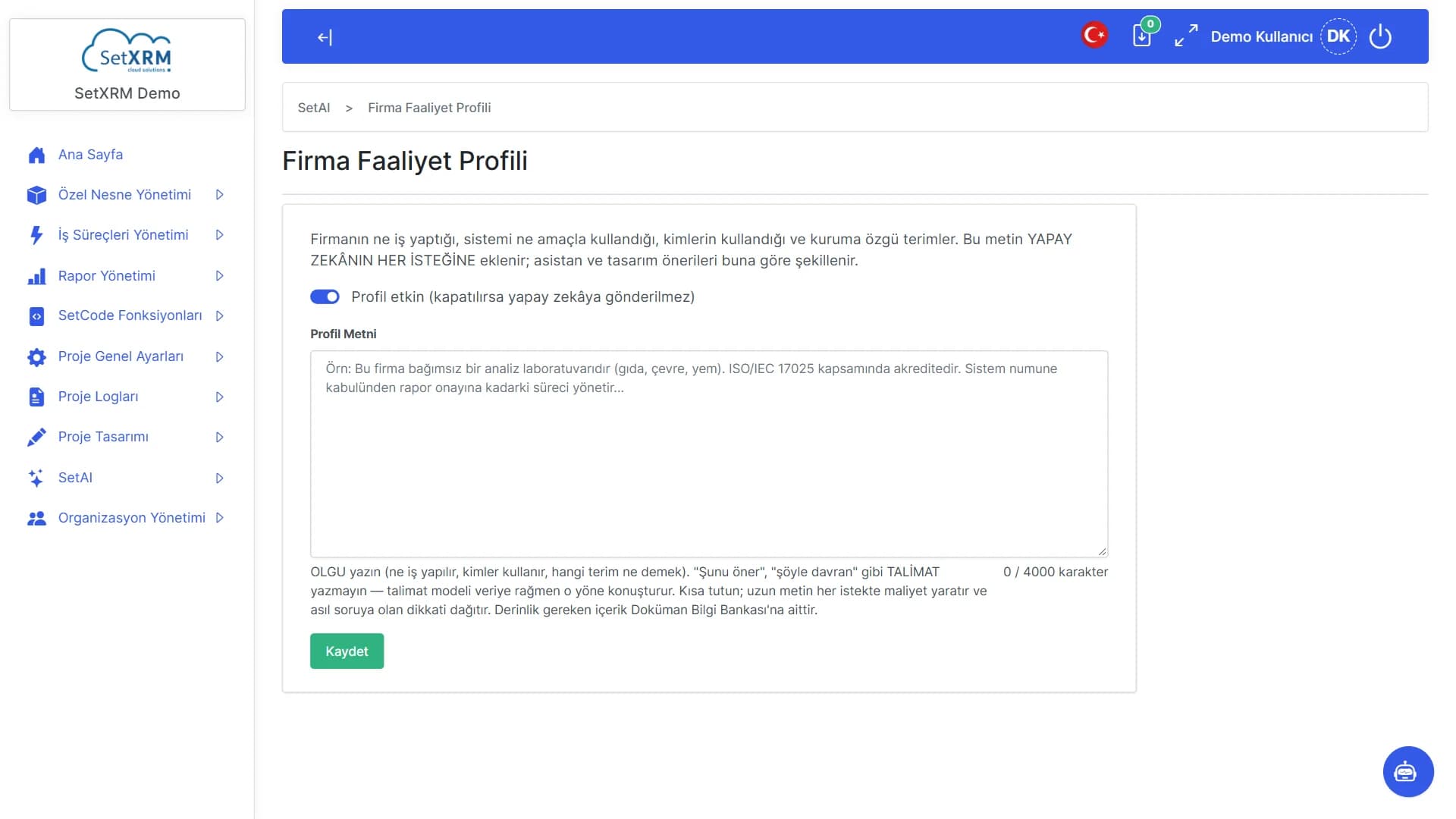
Company profile
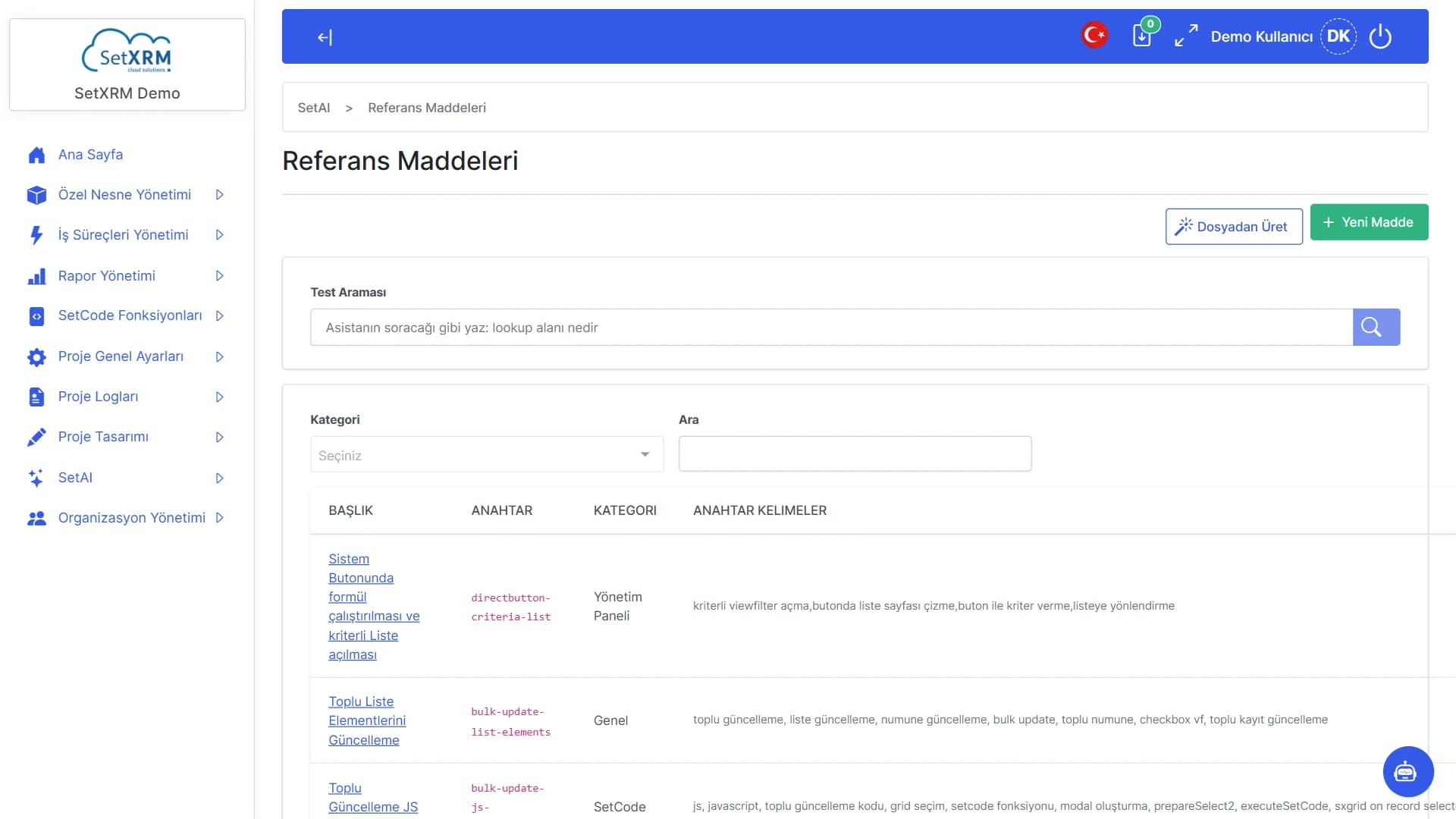
Describe your industry, products and way of working once; every AI feature uses that context.
Flow definitions
Connect AI steps to your workflows: classification, summarising, reply drafts, record creation.
LLM and mail connections
Connect the language model provider and email accounts you want to use from the admin panel.
AI assistant on screens
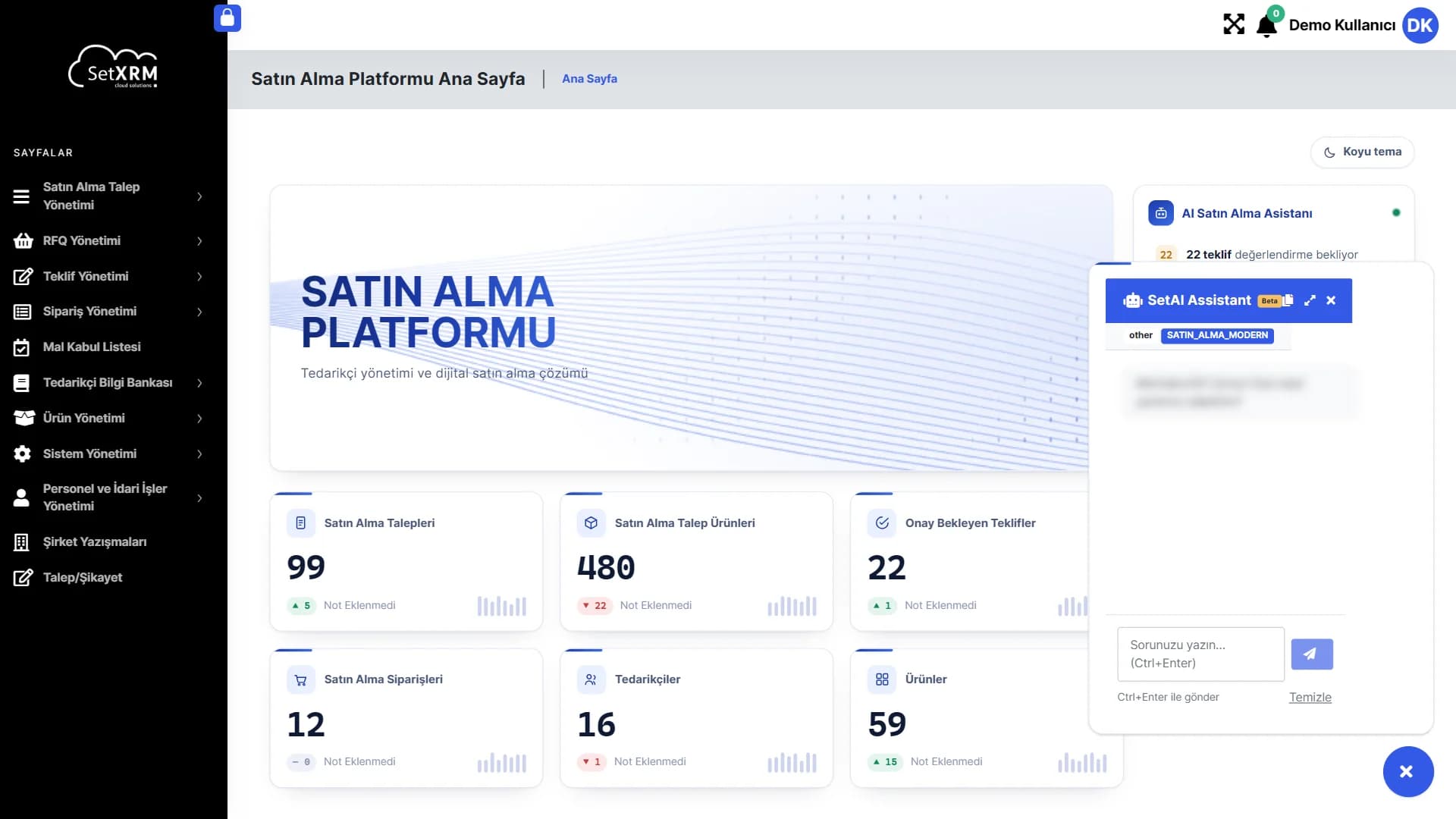
Assistant cards on home pages and dashboards summarise pending work, risks and opportunities – ask a question with one click.
Logged and auditable
AI agent and assistant logs show which request ran, with whose permissions and with what result.
SetAI product tour
Explore SetAI on real screens
From the in-app assistant to agent design, from the knowledge base to expert profiles: every part of the AI layer.
Assistant button
Bottom right on every page; opens with one click.
Page context
The assistant knows which screen you are on and answers accordingly.
Ask your question
Write in plain language; send with Ctrl+Enter.
Click the numbered points to explore the screen
See SetAI with your own data
Let's design assistants and agents together in a demo environment tailored to your company.